Impact-Site-Verification: 41b53a0c-6d04-458b-a457-fe9e29acde1a

AI & Machine Learning··7 min read

AI Google Earth

Reimagine any place you love as a historical, futuristic, or creative scene — no prompt needed.

NN

NewName Editorial

Editorial Team

AI Google Earth product image 1
AI Google Earth product image 2
AI Google Earth product image 3

AI Google Earth is a study in borrowed authority. It takes the most recognizable name in digital cartography, pairs it with a 3D globe that feels like a mini Google Earth, and then carefully, almost obsessively, reminds you that it is not actually Google. The result is a product that gets a head start on trust while building its own identity around a simple, rights-conscious image transformation workflow.

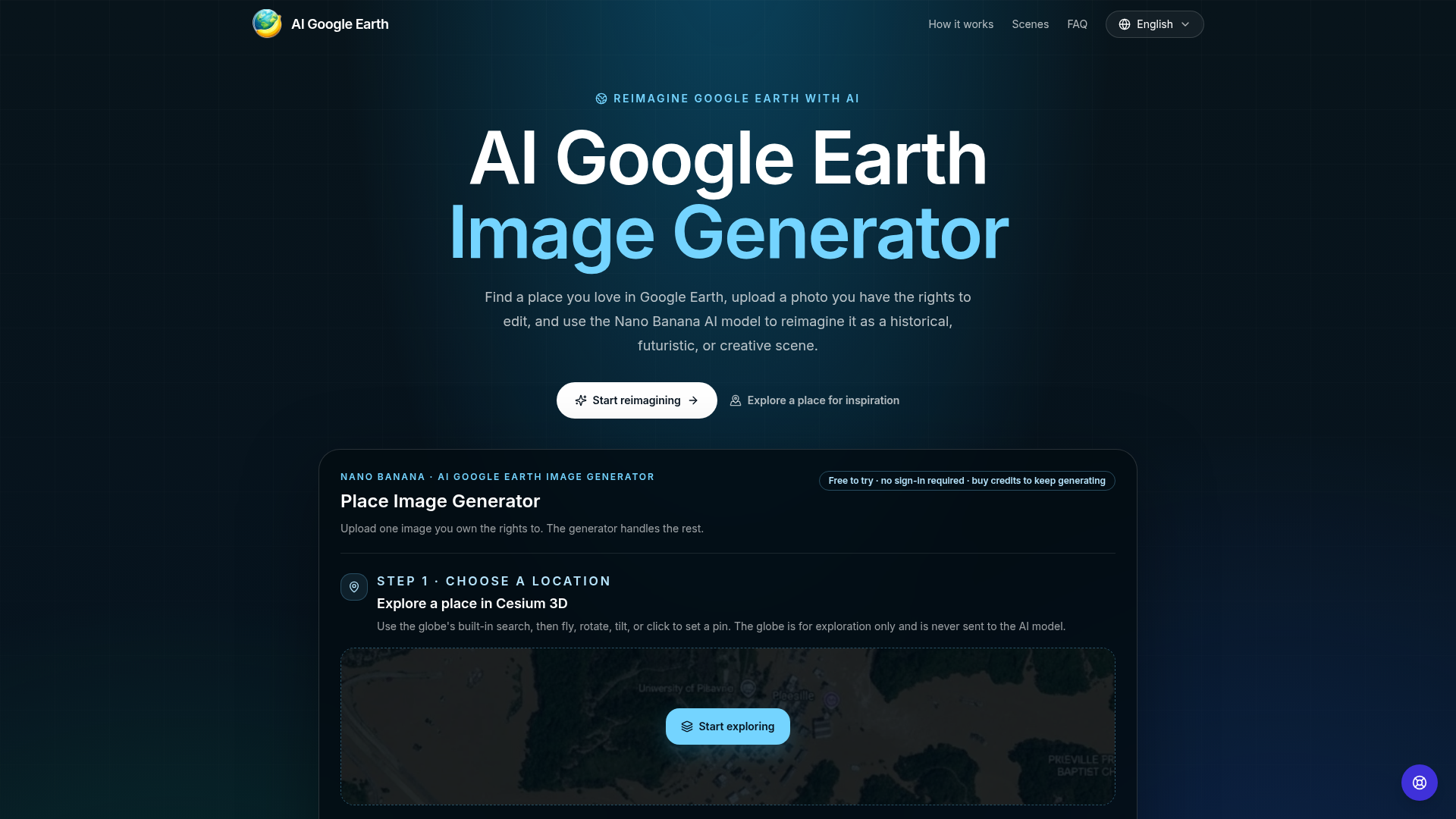
The pitch is straightforward: find a place you love in Google Earth (or the built-in Cesium 3D globe), upload a photo you have the rights to, and let the Nano Banana AI model reimagine it as a historical scene, a future cityscape, a creative illustration, or a seasonal shift. No prompt writing required. The site's tagline — "Reimagine Google Earth with AI" — sets the expectation, but the actual experience is more about reimagining your own photographs with a geographic twist.

The name that borrows trust without asking permission

The name "AI Google Earth" is a bold move. It trades on the instant recognition and emotional resonance of Google Earth — a product that has shaped how we see the planet from above. For many users, the name alone suggests a tool that can transform satellite views into something new. But the product does not use Google Earth imagery at all. Instead, it uses a Cesium 3D globe for exploration, and the user's own uploaded photos for transformation. The name is a promise of a certain kind of experience: geographic, exploratory, and visually rich. It delivers on that promise through its workflow, even if the underlying data is different.

The legal risk is mitigated by a persistent disclaimer: "Independent tool. Not affiliated with, endorsed by, or sponsored by Google or Google Earth." This appears in the footer, in the FAQ, and even in the workflow description. It is a necessary shield, but it also creates a subtle tension. The name invites you to think of Google Earth, while the fine print tells you to forget it. For a small startup, this is a calculated gamble — borrowing brand equity is risky, but it can also be the difference between obscurity and discovery.

Why the Cesium 3D globe is a workflow, not a gimmick

The product's first step is not uploading an image; it is exploring a place. The site embeds a Cesium 3D globe with search, fly, rotate, tilt, and pin features. You can browse any city, landmark, or landscape to find visual inspiration. The globe is clearly a separate component — the site notes that "the globe is for exploration only and is never sent to the AI model." This is a smart design choice: it keeps the AI pipeline clean and avoids any copyright issues with map data. But it also serves a deeper purpose: it makes the user think about place, not just pixels. The workflow becomes: explore, photograph, transform. This is a more deliberate, creative process than simply uploading a random image and applying a filter.

The Cesium globe also reinforces the Google Earth association. It looks and feels like the real thing, with smooth navigation and a familiar blue marble aesthetic. For users who have never used Cesium, it is a gentle introduction to a powerful geospatial tool. For the product, it is a way to deliver on the "Google Earth" promise without actually using Google's data. The globe is a stage that sets the scene for the AI transformation.

AI image generators are under constant legal scrutiny, especially regarding training data and copyright. AI Google Earth sidesteps this by making the user's rights the centerpiece of its workflow. The site repeatedly emphasizes: "Upload only what you have the rights to." You must own the photo or have written permission to edit, use, and share it. The FAQ is explicit: you cannot upload Google Earth screenshots, satellite imagery, or other third-party visuals. This is a legal shield for the company, but it also shapes the user experience. The tool is not for generating new images from scratch; it is for transforming images you already have. This is a subtle but important distinction.

This rights-first approach also affects the types of users who will find the tool useful. Photographers who have a library of their own shots can reimagine them in new contexts. Designers and architects can take their own photos of buildings or landscapes and explore alternative visual interpretations. Content creators can repurpose their own visuals for different moods or eras. The tool is not a free-for-all image generator; it is a constrained creative tool that respects intellectual property. This is a defensible position in a legal gray area, and it may appeal to professionals who are wary of copyright issues.

Nano Banana and the art of the preset

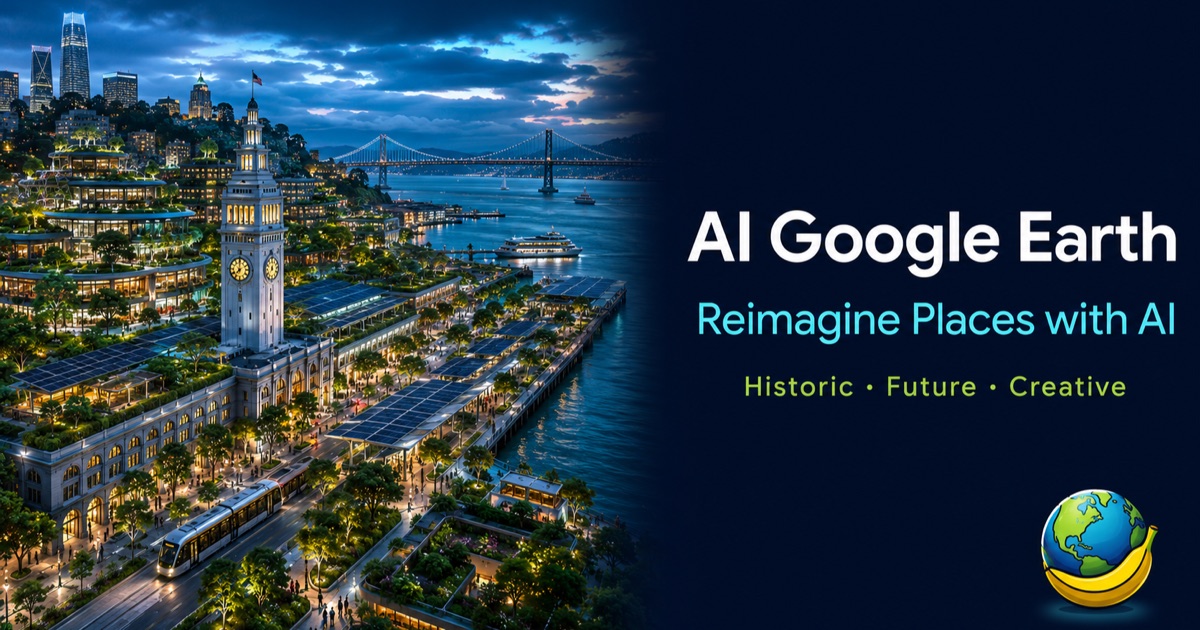
The product is powered by the "Nano Banana AI model," a name that is as quirky as it is memorable. Nano Banana suggests something small, fast, and perhaps a bit playful. The model is not described in detail, but the site implies it is capable of high-quality transformations with minimal user input. The key to its usability is the preset system. Instead of writing a prompt, users select a scene type: Historical, Future, Creative, or Season/Weather shift. Each preset comes with a description of what the AI will do. For example, the Historical preset "adds period-accurate architecture, cobbled surfaces, horse-drawn transport, and warm soft light." The Future preset projects the location "fifty years" forward with "layered green terraces, solar canopies, elevated walkways, and silent electric transit."

These presets are not just filters; they are narrative prompts. They tell the AI what kind of story to tell about the place. This is a clever way to make AI image generation accessible to non-technical users. No prompt engineering required. The presets also serve as a portfolio of possibilities, showing users what the tool can do before they even upload an image. The demo presets on the site — Flood response satellite visualization, Pompeii historical reconstruction, Statue of Liberty cityscape — are compelling examples that hint at the range of transformations.

Who actually needs a place reimaginer?

The target audience is not the average consumer who wants to add a filter to a selfie. The site suggests designers, architects, content creators, and "anyone wanting to explore alternative visual interpretations of real-world places." This is a niche but real need. Urban planners might use it to visualize a street with more green space. Architects might show clients what a building would look like in a different era. Content creators might generate eye-catching visuals for social media. The tool is also useful for concept art and editorial work, where a quick visual exploration can spark ideas.

The free tier is a smart entry point. "Free to try · no sign-in required · buy credits to keep generating." This lowers the barrier to adoption. Users can upload an image and see a transformation without committing to a subscription. The credit system is a common monetization model for AI tools, but the site does not disclose pricing details. This is a gap in the public information, but it is not unusual for a product in early stage.

The risks of riding Google's coattails

The biggest risk for AI Google Earth is the name itself. While it borrows trust, it also invites legal scrutiny. Google is known for protecting its trademarks. The site's disclaimers are a step in the right direction, but they do not eliminate the risk of a cease-and-desist. If Google decides the name is too close, the product could be forced to rebrand, losing its most valuable asset. The name also sets a high expectation. Users may expect to upload a Google Earth screenshot and get a transformed version, but the tool explicitly forbids that. This could lead to disappointment and negative reviews.

Another risk is the reliance on a single AI model. Nano Banana is not a household name, and the site does not provide technical details. If the model underperforms, the product suffers. The site's focus on presets mitigates this by controlling the output, but it also limits creative freedom. Users who want more control may be frustrated by the lack of prompt input.

Despite these risks, AI Google Earth has a clear identity and a defensible niche. It is not a generic AI image generator; it is a place reimaginer. The combination of geographic exploration, rights-conscious uploads, and preset-based transformation is distinct. Whether it can sustain the Google Earth association without legal trouble remains to be seen, but for now, it is a clever, focused tool that offers a fresh way to see the world — and your own photos in it.