ccshare
Share a live Claude Code session with a 6-char code, AirDrop-style.
NewName Editorial
Editorial Team

Claude Code is a deeply personal tool. You sit alone in a terminal, prompt an AI agent, watch it edit files, and occasionally panic when it does something unexpected. The idea of letting someone else type into that session—live, from their own machine, with zero setup—feels both obvious and slightly terrifying. ccshare, a new open-source tool from developer Vedanta SP, does exactly that. It wraps Claude Code in a real pseudo-terminal, prints a six-character code, and lets a friend join from their terminal or a browser. The pitch is AirDrop-style: same wifi, no accounts, no install for the joiner. But the deeper story is about how AI pair-programming is changing what "sharing your screen" even means.
The 6-char code as a social contract
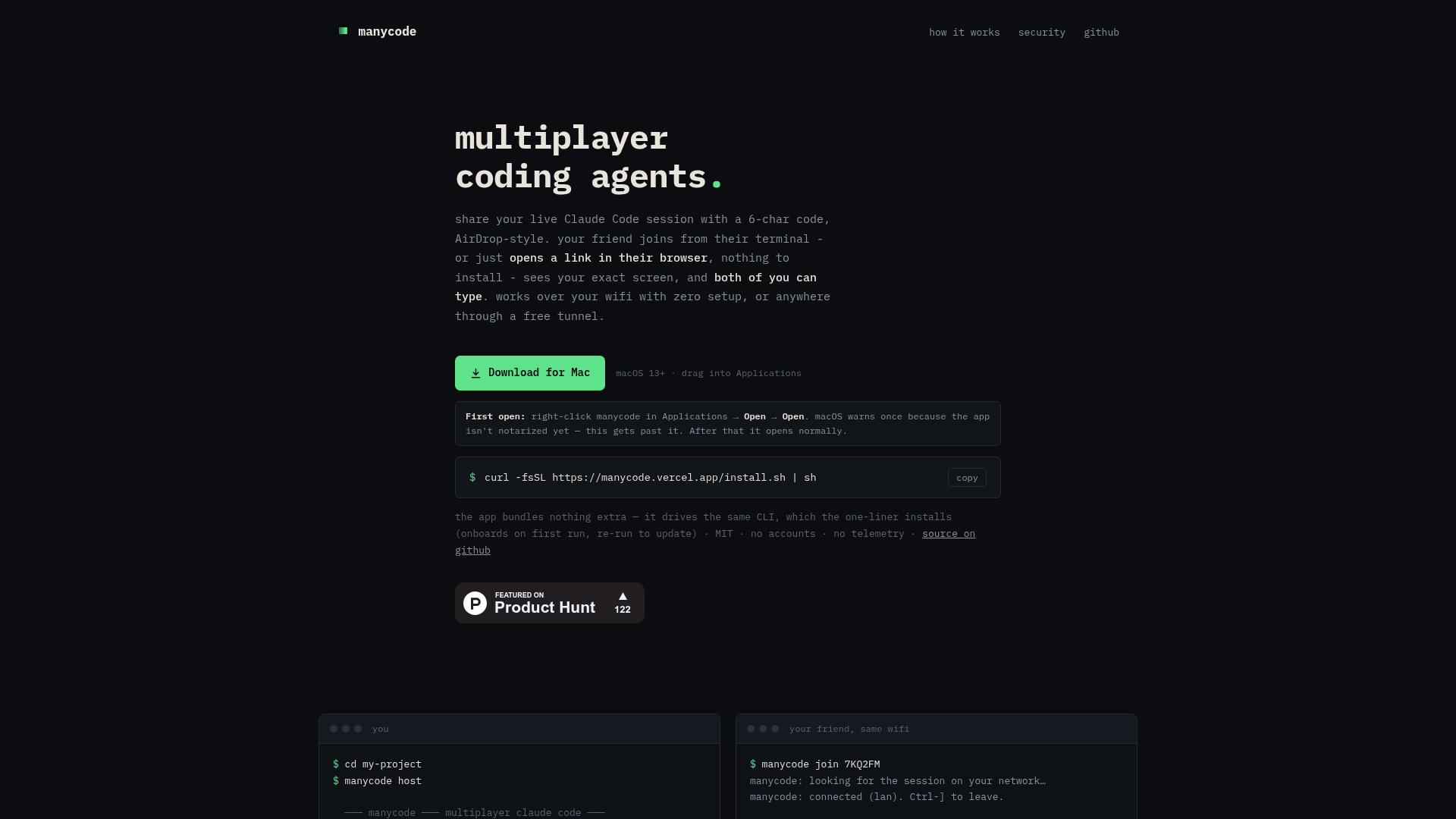
The whole onboarding is a code. You run manycode host, and the terminal prints something like 7KQ 2FM. On the same network, a friend runs manycode join 7KQ2FM and they're in. No IP address to type, no URL to paste, no account to create. The code is the entire authentication mechanism—and the entire social contract. ccshare's documentation is blunt: "anyone holding a live code can type into a real shell on the host's machine. Share codes like you'd hand over your laptop." That's a refreshingly honest framing. The code is not a security boundary; it's a trust boundary. It works because the session is ephemeral—codes die when the session ends—and because the act of sharing a code is a deliberate, human gesture. It's the terminal equivalent of handing someone your keyboard.
The AirDrop analogy is apt. AirDrop works because it's local, immediate, and frictionless. ccshare's same-wifi flow is exactly that: a UDP broadcast carries a hash of the code, never the code itself, so discovery is automatic and the code isn't even transmitted. On a trusted network, that's elegant. But the analogy breaks in one important way: AirDrop doesn't give the recipient control of your device. ccshare does. That's the risk, and the tool leans into it with features like --approve (hold joiners until you click allow) and --read-only (let friends watch without touching). The code is the default, but the guardrails are there for when you need them.
A pty mirror, not a screen share
What makes ccshare technically interesting is that it doesn't share a screen—it mirrors a pseudo-terminal. The host's Claude Code session runs inside a real pty, and ccshare broadcasts the output to any connected client. The joiner sees the exact same frame, and both keyboards work. This is fundamentally different from a video call or a screen-share tool like Tuple or Screen.so. There's no laggy video, no pixelated text, no "can you scroll up?" Instead, you get a shared, interactive terminal that behaves as if both people are sitting at the same machine.
The implementation details matter. The pty resizes to the smallest connected terminal, tmux-style, so everyone sees the same frame. Joiners get 256KB of scrollback replayed plus a forced repaint, so they're not dropped into a blank screen. Ctrl-] detaches without killing the session. These are small touches, but they show a deep understanding of terminal ergonomics. The tool also supports --record to save an asciinema .cast of everything everyone saw—useful for debugging, demos, or post-mortems.
Crucially, ccshare is not Claude-specific. The README notes it's a pty mirror, so manycode host codex, manycode host opencode, or manycode host kimi all work. Claude is just the default. That's a smart positioning: it's a multiplayer layer for any terminal AI agent, and the category is still young enough that no one owns it yet.
Tunnel or LAN: the networking tradeoff
ccshare's networking story is a study in pragmatism. On the same wifi, it's a UDP broadcast—zero setup, zero external dependencies. But the real world isn't always same-wifi. For remote sessions, hosting opens a free Cloudflare quick tunnel by default. Cloudflared is bundled, no account needed, and friends join through a random wss:// URL that dies with the session. That's a clever default: it works anywhere, but it's ephemeral and unguessable, so the security surface is minimal.
For users who want more control, there's --no-tunnel to keep it LAN-only, a self-hosted relay (manycode relay) that pairs rooms by code and forwards frames, and even direct connection over Tailscale (manycode join CODE --host 100.x.y.z:42518). That's a surprising amount of flexibility for a tool that's been out for a few days. The tradeoff is clear: convenience (tunnel) vs. privacy (LAN/relay). Most users will stick with the tunnel, but the option to self-host is a strong signal for security-conscious teams.
The browser join is the killer feature, though. Every session gets a link like https://….trycloudflare.com/#7KQ2FM that opens a full live terminal in any browser—phone included. No install, code prefilled, same screen and typing as the CLI. That's the AirDrop moment: your friend doesn't need to know what a pty is, they just click a link and they're in. For onboarding a collaborator, that's transformative.
Security by ephemerality, and its limits
ccshare's security model is refreshingly honest: the code is the only auth. There's no encryption claim, no "military-grade" nonsense. The docs state plainly that anyone with a live code can type into a real shell on the host's machine. That's a scary thought, but it's also the reality of any shared terminal. The mitigations are ephemerality (codes die with the session), unguessable tunnel URLs, and the --approve flag for manual approval. On a LAN, traffic stays on your network. The default tunnel exposes your session behind a random URL plus the code—which is better than a fixed URL, but still a risk if you're sharing codes with strangers.
The bigger question is whether this model scales beyond close friends. For a pair-programming session between two trusted colleagues, it's perfect. For a public demo or a client walkthrough, you'd want --read-only and probably --approve. The tool gives you those options, but it doesn't force them. That's a design choice: frictionless sharing is the priority, and security is opt-in. For a tool that's MIT-licensed and ~2k lines of Node, that's a reasonable tradeoff. But it means ccshare is not ready for enterprise use without additional guardrails.
What 'ccshare' says about the ambition
The name is a study in minimalism. "ccshare" is short, lowercase, and ambiguous. It could be "Claude Code share" or "creative commons share" or just "C.C. share." The website uses "manycode" as the product name in some places, and "ccshare" on Product Hunt—a split identity that suggests the branding is still in flux. The domain getccshare.vercel.app is a free Vercel subdomain, which is fine for a launch but not a long-term home. The GitHub repo is unworld11/manycode, adding another name to the mix. This naming chaos is typical for a solo developer's first launch, but it's worth noting: the product's identity is not yet settled.
What the name does convey is the core promise: sharing. "cc" evokes the terminal's Ctrl+C, the universal interrupt, and also the idea of a carbon copy (CC) on an email—sending a copy of your session to someone else. That's actually a fitting metaphor. The lowercase, no-space style is consistent with modern dev tools like tmux, zellij, or warp. It's not a memorable brand name, but it's functional and honest. The real branding is the 6-char code itself—that's what users will remember and repeat.
ccshare is launching at a moment when AI pair-programming is becoming mainstream, but the collaboration tools are still primitive. Most teams resort to screen-sharing over Zoom or passing a laptop around. ccshare offers a third way: a shared terminal that's real-time, interactive, and zero-friction. It's not a polished SaaS product yet—the branding is inconsistent, the Mac app is unsigned, and the security model requires trust. But the core idea is strong, and the execution is remarkably solid for a solo project. If you've ever wanted to hand your Claude Code session to a colleague and say "you drive," ccshare is the tool you didn't know you needed.