Clairvio
On-demand session replay that starts with a magic link, not a tracking script.
NewName Editorial
Editorial Team
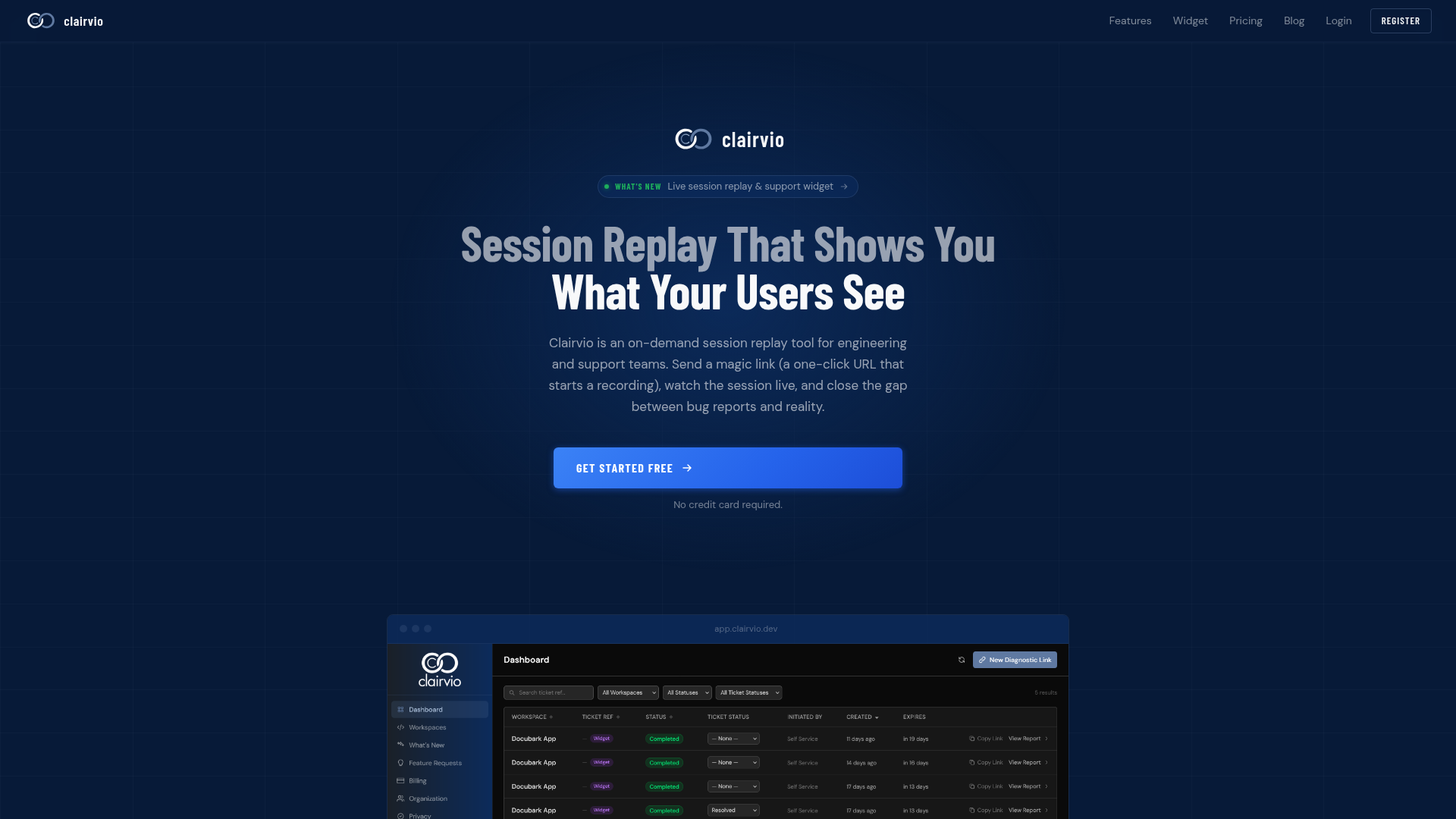
Clairvio enters a category dominated by always-on surveillance with a contrarian premise: what if session replay only recorded when you asked it to? The pitch is a magic link — a one-click URL that activates a dormant recorder in the customer's browser — and the result is a pixel-perfect replay of exactly the session that produced a bug report. No background tracking of every visitor, no 300 kB SDK on every page load, no GDPR consent banners for sessions you never asked to record. This is session replay reimagined as a diagnostic instrument rather than an analytics pipeline.
The company, built and maintained by Cincinnati-based software engineer Nate Denlinger, positions itself explicitly against LogRocket and FullStory. The comparison table on its site is blunt: those tools record every user, every session, and charge enterprise prices; Clairvio records one session per ticket and starts at zero dollars. It's a classic niche wedge — take a category built for product analytics and re-fit it for the support ticket queue. Whether that wedge holds depends on whether engineering teams actually prefer on-demand recording over the firehose. The design choices suggest Denlinger has a strong opinion: yes.
The 1 kB Loader That Does Nothing
The technical foundation of Clairvio is a two-part JavaScript architecture. The first part is a loader under 1 kB minified and gzipped, added via a single script tag. On a normal page load, it registers one listener and exits. It contains no replay logic, no tracking code, no third-party dependencies. The site claims it has zero measurable impact on Lighthouse scores or Core Web Vitals — a strong claim, but plausible given the loader's size and dormancy.
The second artifact is the full capture library, which is never fetched unless a valid magic link token appears in the URL query string. When a customer opens a diagnostic link, the loader detects the token, dynamically inserts the capture script, and initializes a WebSocket connection to Clairvio's ingestion endpoint. This lazy-load architecture means regular users never pay the cost of the recorder. It's a clever inversion of the standard approach, where the SDK is always present and always capturing. Here, the recorder is a dormant agent waiting for a specific signal.
Magic Link as a Debugging Protocol
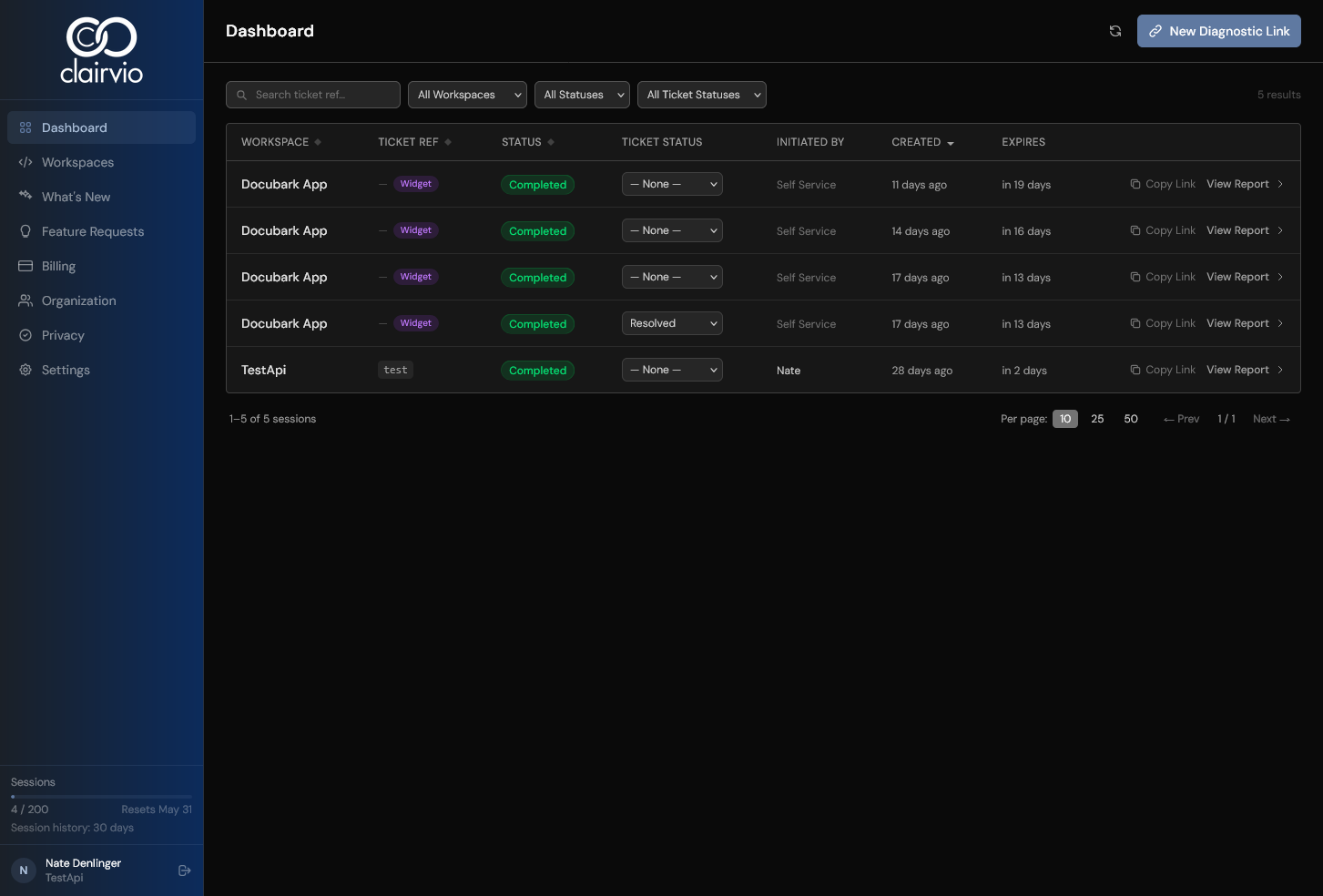
The magic link is more than a marketing gimmick; it's a workflow primitive. A support agent generates a link from the dashboard, pastes it into a ticket or chat, and the customer clicks it. The agent's dashboard shows the session activating in real time: DOM replay, console errors, and network requests all timestamped on the same timeline. The customer needs no account, no plugin, no install. This is the key interaction design: the link is both the trigger and the authorization. It's a deliberate, explicit consent mechanism baked into the product's core, not a compliance afterthought.
The site also describes an embedded support widget that lets customers start a session themselves, flipping the control model. Instead of support initiating, the user can read help docs, send a message, or start a recorded session in one click. This self-service path is a natural extension of the magic link idea, turning the recorder into a user-initiated diagnostic tool.
Four Streams, One Clock: Replay as a Diagnostic Trace
Clairvio's replay isn't just a video of the screen. It captures four parallel streams: DOM mutations, console output, network activity, and navigation events. All share a millisecond-resolution clock, so scrubbing to any point in the replay reveals which network request was in-flight, which error had just been thrown, and which route the user was on. This is the difference between watching a user struggle and understanding why they struggled.
The DOM serialization is also notable: instead of storing pixel frames, it takes a full snapshot of the DOM at session start and then records incremental changes via a MutationObserver. The site claims a typical session produces under 1 MB of replay data, compared to hundreds of megabytes for video. This structural approach makes replay lightweight to store and transmit, and it enables the kind of precise state inspection that video can't offer — you can inspect the exact DOM state at the moment an exception fired.
A Replay Built for Debugging, Not Dashboards
The positioning is explicit: always-on tools were designed for product analytics, Clairvio was designed for debugging. The comparison table drives this home, contrasting recording models (on-demand vs. always-on), impact on real users (none vs. measurable), SDK payload (<1 kB vs. 100–300 kB), and primary use case (debugging & support vs. UX research). This is a category critique: the incumbents generate enormous volumes of data that most teams never review, while Clairvio captures only what's needed to reproduce a specific issue.
The site's use cases reinforce this: customer support (paste a magic link into a ticket), QA & testing (send links to testers for specific scenarios), and engineering debugging (request a session from the exact user who hit a problem). Each workflow is about closing a feedback loop, not building a funnel dashboard. The tagline "Session replay that shows you what your users see" is almost understated; the real value is showing you what your users' browsers did right before the bug.
The Privacy Argument That Sells Itself
Clairvio's on-demand model has a natural privacy advantage. Since recording only happens when a magic link is opened, there's no passive collection of all user sessions. The site argues this simplifies GDPR and consent: you get explicit consent for a support session, rather than passive consent for all users. This is a compelling pitch for teams in regulated industries or with privacy-conscious users.
The product also supports element-level masking via CSS selectors or data attributes, with input[type=password] masked by default. Masked elements are replaced with a solid block in the replay, and the actual value never leaves the browser. This is a standard feature in the category, but the on-demand model makes it less of a burden — you're masking for a specific session, not for every visitor.
Pricing by the Ticket, Not by the User
Clairvio's pricing is refreshingly simple: Free (25 sessions/month, 7-day retention), Starter ($9/month, 200 sessions), Growth ($49/month, 1,000 sessions), and Scale ($99/month, 5,000 sessions). The unit is the session, not the user or the pageview. This aligns with the debugging use case — you pay for the tickets you need to reproduce, not for the traffic you happen to have. The free tier is generous enough to evaluate the tool on a real issue, and the paid tiers scale with support volume.
The blog post on pricing in 2026 criticizes the category for confusing session definitions and opaque enterprise tiers. Clairvio's transparent, session-based pricing is a direct response to that frustration. For a small team or an independent developer, this is a low-risk entry point compared to LogRocket or FullStory's enterprise contracts.
What Clairvio Leaves Open
Clairvio is still a young, independent product. The about page names a single founder, Nate Denlinger, who built it alongside his day job and two other products. This is both a strength and a risk: the product is lean and opinionated, but it lacks the enterprise support and integrations of larger competitors. The site doesn't disclose metrics like number of customers or revenue, so it's hard to gauge traction. The blog and updates suggest active development, but the long-term roadmap is unclear.
There are also open questions about the on-demand model's limits. Will support agents actually remember to send magic links in the heat of a ticket? Will customers be willing to click an unknown link that starts a recording? The self-service widget mitigates this, but it's a behavioral change from the passive recording that teams are used to. Clairvio's bet is that the debugging workflow is worth the extra step — and that a 1 kB loader that does nothing is a feature, not a limitation.