Copresent
A Chrome extension that turns your phone into a Google Slides remote and makes co-presenting as easy as sharing a link.
NewName Editorial
Editorial Team
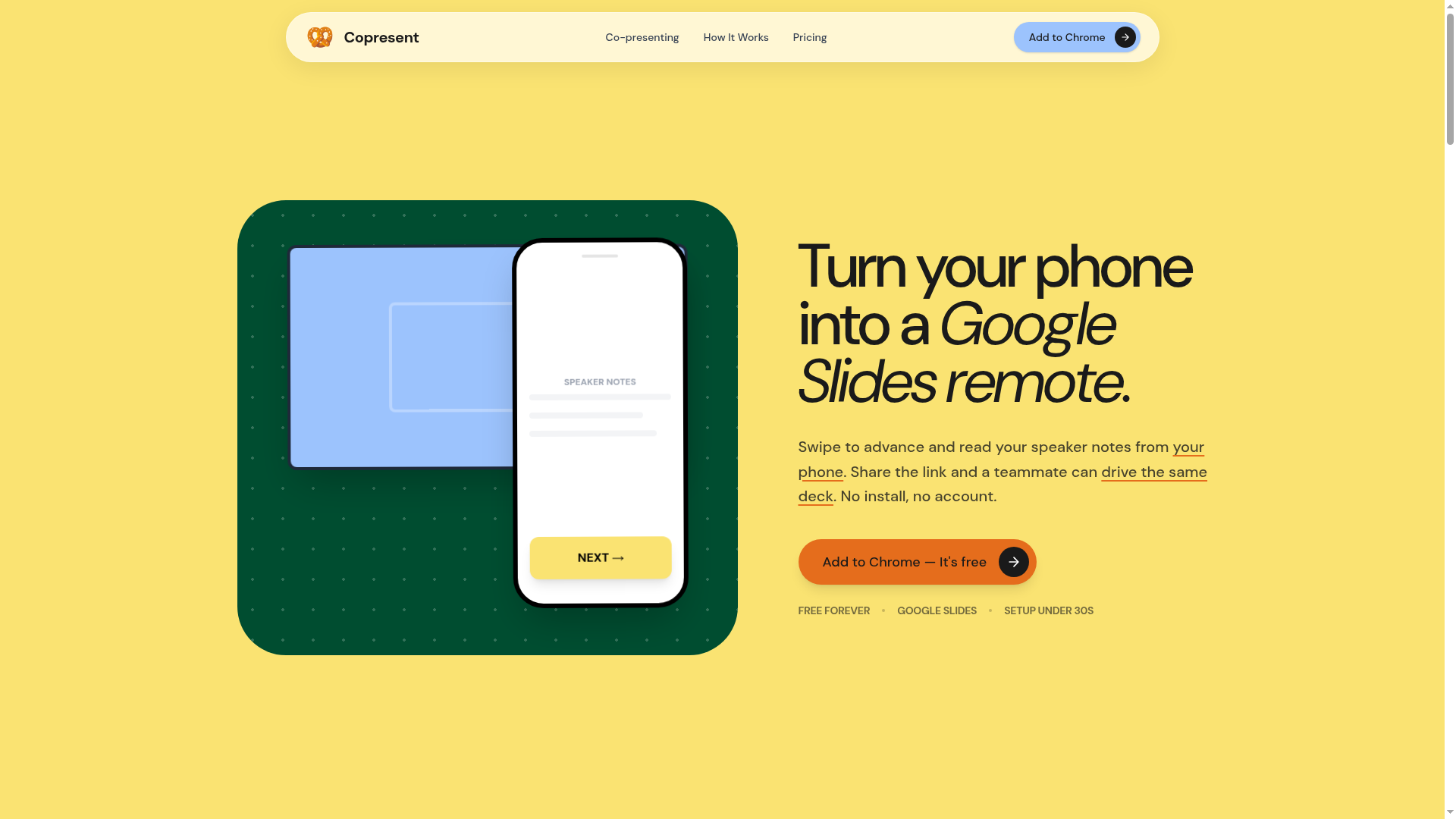
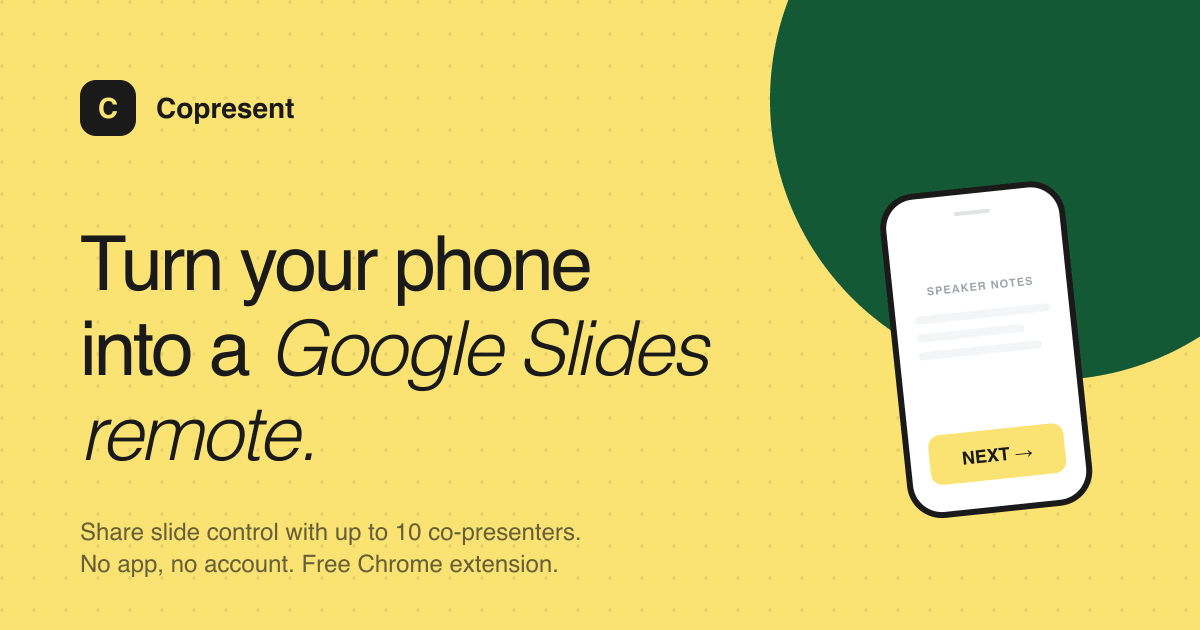

The presenter's clicker is a relic. It's a piece of plastic that runs out of batteries, gets left in a conference room, and forces you to stand within a few feet of the laptop. For years, we've accepted this as the cost of giving a talk. Copresent, a Chrome extension for Google Slides, asks a simple question: why not use the phone you already have?
The answer is a swipe. Copresent turns your phone into a remote for Google Slides, letting you advance slides with a left or right swipe and read your speaker notes from the same screen. That's a useful trick, but it's not the whole story. The more interesting move is what happens when you share a link: up to ten people can drive the same deck from any device, with no app, no account, and no install for guests. That turns a solo presenter's tool into a co-presenting system, and it's the reason Copresent deserves more than a passing glance.
The clicker is dead. Long live the swipe.
The core mechanic of Copresent is almost embarrassingly simple: open a web page on your phone, swipe left to go forward, swipe right to go back. The phone becomes a clicker, and because it's a web page, it works on any phone or tablet without installing anything. The host installs the Chrome extension once; everyone else just opens a link.
But the swipe is more than a gimmick. It's a deliberate design choice that sidesteps the friction of dedicated remote apps. There's no pairing, no Bluetooth, no dongle. The phone's browser is the remote, and the connection is the same one you're already using for the presentation. That's a low-friction setup that takes under 30 seconds, according to the site, and it's a meaningful improvement over the traditional presenter dongle.
The speaker notes are the second half of this equation. Whoever is driving the presentation sees the current slide's notes in real time, which means you can hand off mid-sentence without losing the thread. For solo presenters, this is a quiet but powerful feature: it turns the phone into a teleprompter, not just a clicker.
The co-presenter problem: why sharing a deck is hard
Co-presenting is a mess in most tools. The standard approach is to pass the laptop back and forth, or to share screens, which breaks the flow and kills the momentum. Google Slides itself has a co-presenter feature, but it's tied to Google Meet and requires a paid plan. Copresent's answer is to make the link itself the remote.
The host shares a unique session link, and up to ten people can open it on their own devices—laptops, phones, tablets—and take control of the deck. No account, no install, no payment for guests. The host controls who's in the room, and in the Pro plan, can even pause a co-presenter's control mid-presentation. That's a subtle but important feature: it keeps the host in charge, even in a chaotic panel or a group project.
The use cases on the site reflect this flexibility: sales teams doing QBRs, students doing capstone demos, consultants doing client read-outs, teachers running lectures, conference hosts running webinars, and community groups running board meetings. The common thread is that more than one person needs to drive the deck, and they don't all have the same setup.
The link is the remote: how Copresent's mechanics work
The workflow is deliberately minimal. The host installs the Chrome extension, opens the host controller inside Google Slides, and then opens a link on their phone to use it as a clicker. To co-present, they share that link with teammates, who open it in any browser and get control.
The site emphasizes that Copresent never stores your deck. Each session has its own unique link, and the slides stay inside Google Slides. That's a privacy-by-design choice that addresses a real concern: presenters are often handling sensitive material, from financials to unreleased product plans. The fact that Copresent doesn't upload or store the deck is a strong selling point, and it's one of the few tools in this space that makes that explicit.
There's also a practical detail in the pricing FAQ: copresenters who close their tab stop counting against the limit, so a room doesn't stay full because a phone dropped off. And your own devices—like a second screen or a tablet—don't count as copresenters at all. These small touches show a product that's been thought through for real presentation scenarios, not just demo day.
The Google Slides-only bet: focus or ceiling?
The most obvious limitation is also the most defining: Copresent works only with Google Slides. The FAQ is honest about it: "Not yet—Copresent currently works with Google Slides only." That's a double-edged sword.
On one hand, it's a focus that allows the product to be deeply integrated. The extension lives inside Google Slides, the remote is a web page, and the co-presenter link works seamlessly. There's no need to support PowerPoint's or Keynote's quirks, which would dilute the experience. For a small team, that's a smart scope.
On the other hand, it's a ceiling. PowerPoint and Keynote still dominate many corporate and academic settings, and a tool that can't touch those audiences is leaving a lot of potential users on the table. The site's blog posts—"How to Control Google Slides from Your Phone," "Google Slides Presenter View: Full Guide 2026"—are clearly aimed at capturing search traffic from Google Slides users, which suggests the strategy is to own that niche before expanding. Whether that expansion happens is an open question, but for now, the focus is a feature, not a bug.
Pricing that breaks the subscription reflex
The pricing model is refreshingly anti-SaaS. There's a free plan that includes the phone remote, live speaker notes, and one copresenter at a time. The Pro plan is a one-time payment of $15 USD, not a subscription. No monthly fee, no annual plan, no per-seat pricing. That's a deliberate counter-move to the subscription fatigue that plagues productivity tools.
Pro adds unlimited copresenters, the ability to pause a copresenter's control, live slide previews, a presentation timer, and guaranteed uptime. The one-time payment model is a bold bet: it reduces recurring revenue, but it also lowers the barrier to upgrade. For a tool that costs almost nothing to run, a $15 lifetime fee might be more appealing than a $5 monthly subscription.
The free plan is genuinely useful, which is another smart move. You can present on your own with the phone remote and notes, and even bring in one co-presenter. That's enough for many users, and it's a low-friction way to get the extension installed. The Pro upgrade is positioned as a "when you need it" purchase, not a nagging paywall.
What Copresent leaves on the table
Copresent is a focused tool, and that's both its strength and its limitation. It does one thing well: it turns your phone into a remote and makes co-presenting as easy as sharing a link. But it leaves some obvious opportunities on the table.
The most glaring is the lack of PowerPoint and Keynote support. The site's own FAQ acknowledges this, and it's a clear expansion path. Also missing is any kind of audience interaction feature—polls, Q&A, or reactions—which are common in modern presentation tools. And while the co-presenter link is elegant, there's no obvious way to hand off control gracefully beyond just letting someone else click; the Pro pause feature helps, but it's a blunt instrument.
There's also the question of durability. A Chrome extension is a fragile foundation: if Google changes its Slides API or the extension store policies, Copresent could break. The site's privacy promise—"Copresent never stores your deck"—is good, but it also means the product has no lock-in. Users can leave as easily as they came.
For now, Copresent is a smart, focused tool that solves a real problem for Google Slides users. It's not trying to be a platform; it's trying to be a better clicker. And in a world of bloated presentation suites, that's a refreshingly specific ambition.