DeskMat
A virtual mat that hides your Mac desktop clutter in one click.
NewName Editorial
Editorial Team


There's a moment every streamer and remote presenter knows: you're about to share your screen, and the desktop is a landfill of PDFs, screenshots, and folders named "final_v2_REAL." You scramble to tidy up, or you awkwardly explain the mess. DeskMat, a $3.99 Mac utility from indie developer Matthias Gansrigler, offers a different solution: don't clean it—cover it. With a click, a virtual mat sweeps your clutter under the rug, leaving a clean, professional surface for your audience. It's a small idea with a big payoff for anyone who lives on video calls.
The Messy Desktop Is a Professional Liability
The desktop is the default dumping ground for many Mac users. It's where files land after downloads, where screenshots pile up, and where we stash things "for now." But in the age of Zoom, Teams, and live streaming, that clutter becomes a liability. It looks unprofessional, distracts from your content, and can even expose sensitive files to viewers. DeskMat's tagline—"Cover your Desktop with Ease"—speaks to this pain point. Rather than forcing users to change their habits, it offers a quick fix: hide everything on demand. This is a pragmatic approach that acknowledges the desktop will always be messy, but it doesn't have to be visible.
DeskMat's Trick: A Virtual Mat, Not a Cleanup Tool
DeskMat doesn't organize your files or move them to a folder. It simply covers them. Think of it as a digital tablecloth that you can throw over your desktop when you need a clean surface. The app runs in the background, and with a click of a button (or a keyboard shortcut, presumably), it instantly hides all files and folders on your Desktop. It can also hide individual items or file types—images, videos, presentations, spreadsheets—giving you granular control. This is a clever distinction: it's not a productivity tool in the traditional sense; it's a presentation tool. It's designed for the moment when you need to look good on camera, not for the daily grind of file management.
Beyond the Toggle: Focus Filters and App Triggers
Where DeskMat gets interesting is its integration with macOS features. It supports Focus filters, so you can automatically cover your desktop when you activate a specific Focus mode, like "Work" or "Presenting." This means you don't even have to remember to click the button—the system does it for you. Similarly, you can set app triggers: when you launch certain apps (like Zoom or OBS), DeskMat automatically covers your desktop. This is a thoughtful touch for power users who want a seamless, hands-free experience. The app also supports AppleScript, so you can automate it further with your own scripts. This level of integration suggests a developer who understands the macOS ecosystem deeply, not just a quick port from another platform.
Wallpaper, Widgets, and the Art of the Seamless Cover
A good cover shouldn't look like a cover. DeskMat handles this by letting you choose what appears when your desktop is hidden. You can use your current wallpaper (including dynamic or shuffling wallpapers), a solid color, a custom image, or a blur effect. This means the cover can blend seamlessly with your setup, so your audience won't even notice the transition. It also covers your widgets, which is a nice touch—those can be just as distracting as files. For multi-display users, you can hide all desktops or just one, giving you flexibility depending on your setup. The attention to detail here is impressive; it's clear the developer thought about the visual experience, not just the functionality.
A One-Person Shop with a Personal Touch
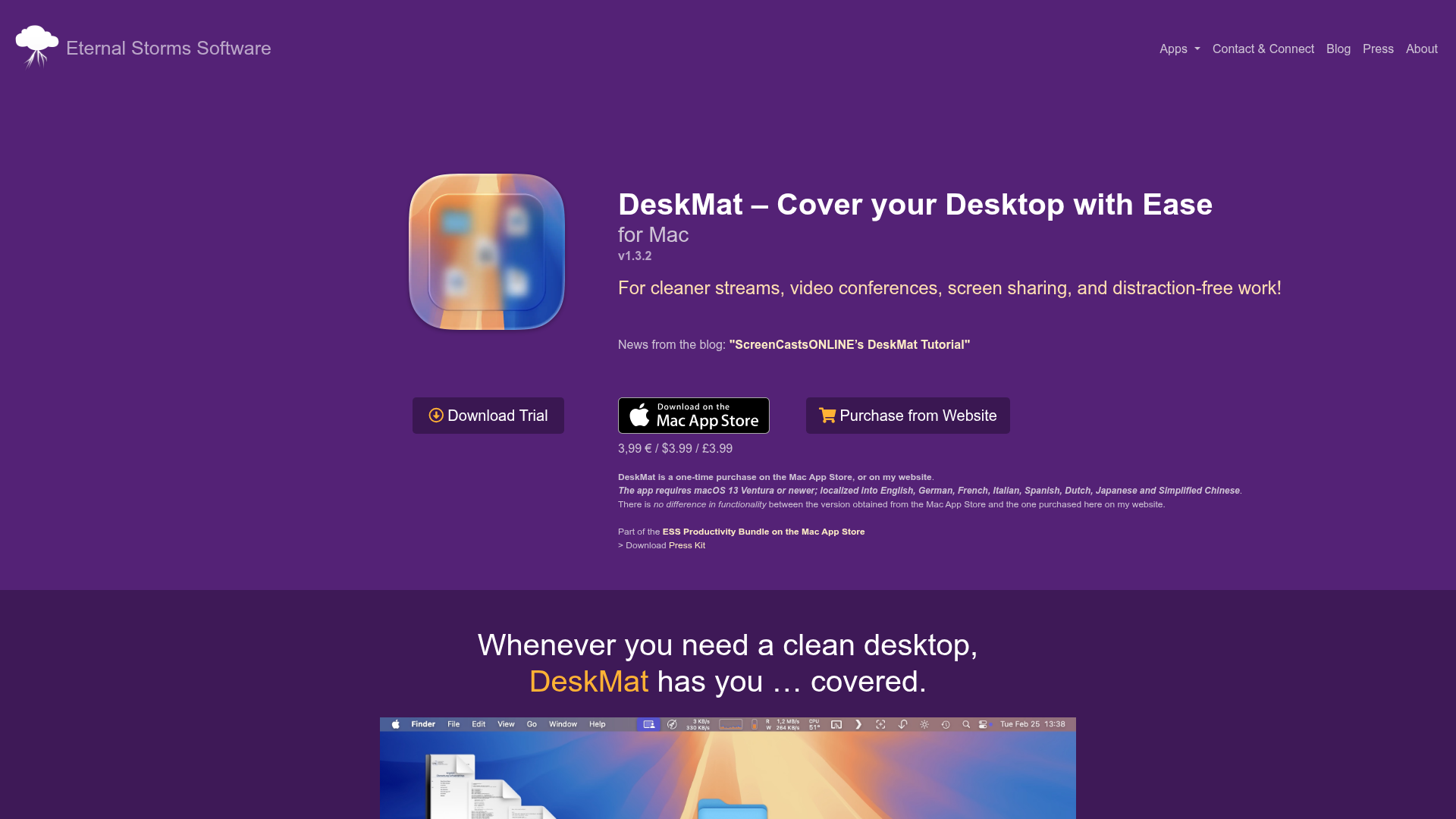
DeskMat is the work of Matthias Gansrigler, an Austrian indie developer who runs Eternal Storms Software. He's known for other Mac utilities like Yoink (a drag-and-drop shelf) and ScreenFloat (floating screenshots). The website is refreshingly personal—it's not a polished SaaS landing page but a straightforward product page with a blog, press kit, and direct contact. There's even a testimonial from a "Mac Owner Since 1984" praising the developer's correspondence. This is a reminder that DeskMat is a labor of love, not a corporate product. It's also a one-time purchase, not a subscription, which is increasingly rare in the software world. For users tired of subscription fatigue, this is a compelling selling point.
The Name Says It All: DeskMat
The name "DeskMat" is simple and descriptive. It evokes the physical desk mats that protect your desk surface and keep things tidy. This analogy is perfect: just as a desk mat covers the scratches and stains, DeskMat covers the digital clutter. The name is easy to remember, easy to spell, and immediately communicates the product's purpose. The domain, eternalstorms.at, is less ideal—it's the developer's brand, not the product's. But for a small utility, this is acceptable; the product page is well-organized and easy to find. The icon, a stylized mat, reinforces the concept. Overall, the branding is clear and effective, even if it lacks the polish of a larger company.
Who Should Care and What's Next
DeskMat is for anyone who presents, streams, or shares their screen regularly. It's also useful for privacy-conscious users who don't want prying eyes on their files. The app is localized into eight languages, including English, German, French, and Simplified Chinese, which broadens its appeal. At $3.99, it's an impulse buy for most Mac users. The main risk is that it's a niche tool—if you rarely share your screen, you might not need it. But for those who do, it could become an essential part of their workflow. The developer continues to update it (version 1.3.2 is current), and the recent addition of individual file hiding shows he's listening to user feedback. DeskMat won't change the world, but it will make your next screen share a little less stressful. And sometimes, that's exactly what you need.