KaiMail
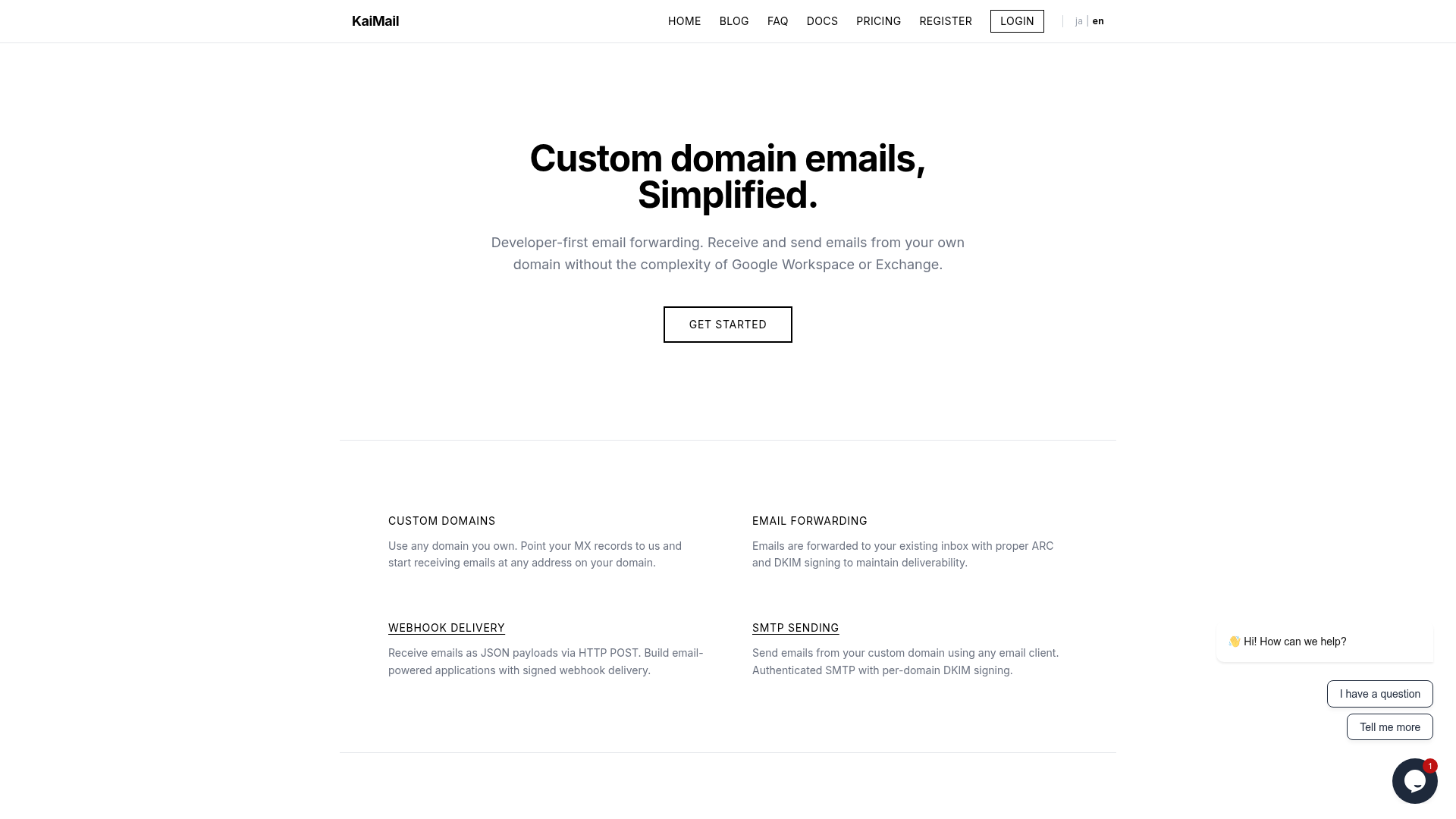
Custom domain email for developers: forward, receive, and send via webhooks and SMTP.
NewName Editorial
Editorial Team


For developers, email has always been the awkward cousin of modern APIs. While everything else speaks JSON over HTTP, email still demands MX records, SPF, DKIM, and a prayer that your message isn't eaten by a spam filter. KaiMail, a developer-first email forwarding service, wants to change that by treating email as just another API endpoint. But is it a genuine alternative to the heavyweights, or just a clever wrapper around the same old protocols?
The Developer's Email Dilemma
Every developer who has ever set up email for a side project knows the pain. Google Workspace is overkill for a simple contact@ address, and running your own mail server is a rabbit hole of configuration and maintenance. KaiMail's pitch is simple: point your MX records to them, and you're done. No credit card required, no complex setup. The homepage promises "custom domain emails, simplified," and the three-step setup—add your domain, set MX records, start receiving email—is refreshingly direct.
But the real hook is what happens after the setup. KaiMail doesn't just forward emails to your inbox; it can deliver them as JSON payloads via webhooks. This is a fundamental shift in how developers can interact with email. Instead of polling an inbox or parsing HTML, you can now write a serverless function that triggers on every incoming message. The blog even features a guide on receiving custom domain email with Cloudflare Workers, positioning KaiMail as a bridge between the old world of email and the new world of serverless computing.
Webhooks: Email as an API
Webhook delivery is KaiMail's most distinctive feature. It's what separates it from traditional forwarding services like ImprovMX or Forward Email. With KaiMail, an email to [email protected] can become a POST request to your endpoint, with the email content as a structured JSON payload. This is a game-changer for building email-powered applications—think automated support tickets, content ingestion, or even AI agents that process incoming mail.
The signing of webhooks adds a layer of security that's often missing in DIY setups. KaiMail signs the payloads, so you can verify that the request actually came from them. This is crucial for any serious integration, and it's a detail that shows the team understands developer needs. The docs include a Python testing guide, and the blog shows a Zapier integration, making it accessible even to non-hardcore developers.
SMTP Sending: The Missing Half
Receiving email is only half the story. Sending email from your custom domain is where many forwarding services fall short. KaiMail supports SMTP sending, allowing you to use any email client to send from your domain. This is a recent addition—the blog post from March 2026 announces it—and it's a significant step toward being a full email solution.
The SMTP sending is authenticated and includes per-domain DKIM signing, which is essential for deliverability. But there's a catch: the free tier doesn't include SMTP sending. You need at least the Plus plan, which costs ¥550/month (about $5), and even then, you're limited to 500 emails per month. For a developer who just wants to send a few transactional emails, this might be fine, but it's a clear upsell path.
KaiMail also offers an HTTP Sending API, which is a nice touch for serverless environments where SMTP might be blocked. The blog post from July 2026 highlights this, and it's another example of KaiMail's API-first mindset.
Deliverability: ARC and DKIM as a Service
Email forwarding has a bad reputation when it comes to deliverability. Forwarded emails often get flagged as spam because they break SPF and DKIM alignment. KaiMail addresses this with ARC (Authenticated Received Chain) and DKIM signing. ARC is a relatively new protocol that preserves the original authentication results as an email is forwarded, which helps maintain trust. KaiMail's blog has a detailed post on "The Chain of Custody: How ARC Keeps Forwarded Email Trustworthy," showing that they're not just implementing these protocols but also educating their users.
This focus on deliverability is critical. A forwarding service that delivers emails to spam is useless. KaiMail's approach—signing emails with ARC and DKIM—is designed to keep your emails out of the spam folder. The blog also covers why authenticated email still lands in spam, demonstrating a deep understanding of email infrastructure.
Pricing: The Free Tier as a Trap
The free tier is generous enough to get started: 1 domain, 1 mailbox, and 300 emails per month. But it's also a deliberate hook. The limitations—no webhooks, no SMTP sending, 1MB max email size—push you toward the paid plans. The Plus plan at ¥550/month (about $5) adds webhooks, SMTP sending, and multiple domains, making it the sweet spot for most indie hackers.
The Pro plan at ¥1650/month (about $15) is for more serious users, with 10 domains and 50k emails per month. The Business plan at ¥5500/month (about $50) is for teams. This tiered approach is standard, but the pricing is in JPY, which might be a barrier for international users. It's unclear if they accept other currencies, but the site is available in Japanese and English, suggesting a global audience.
The Name: KaiMail's Quiet Ambition
The name "KaiMail" is short and memorable, but it doesn't immediately convey "developer-first email infrastructure." It could be mistaken for a consumer email service. However, the "Kai" prefix (which means "ocean" in Hawaiian and "open" in Japanese) suggests a sense of openness and flow, which aligns with the product's simplicity. The domain kaimail.net is clean and easy to type, though .com would have been more prestigious. The branding is minimal, with a focus on functionality over flash, which fits the developer audience.
Overall, KaiMail is a promising tool for developers who want to avoid the email headache. Its webhook delivery is a standout feature, and the focus on deliverability is commendable. The main question is whether it can scale beyond the indie hacker niche and compete with the likes of Google Workspace for business users. For now, it's a solid choice for anyone who wants email to behave like an API.