KlipKap Pro
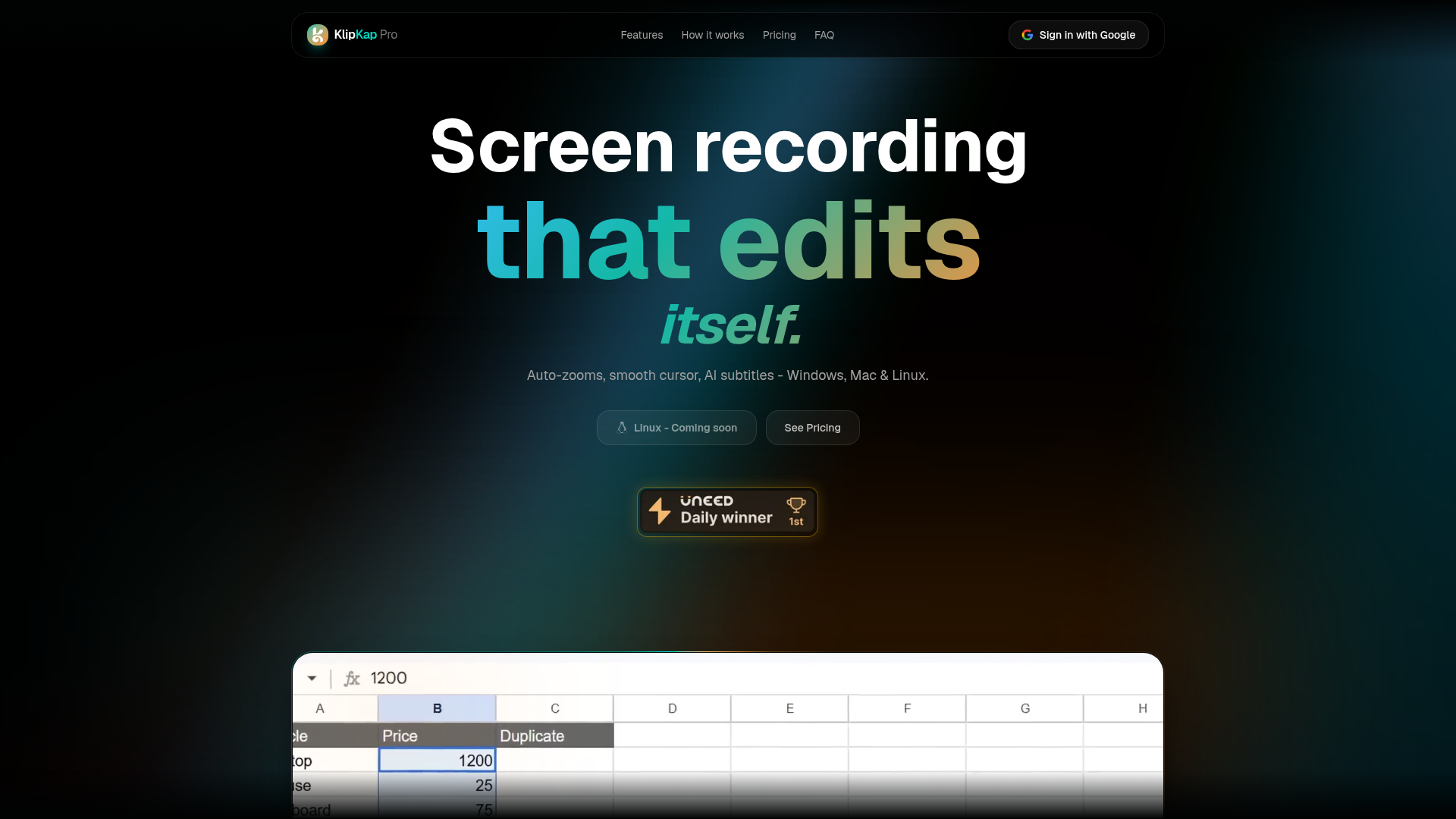
Screen recording that edits itself: auto-zoom, smooth cursor, AI subtitles.
NewName Editorial
Editorial Team

Screen recording has a dirty secret: the recording is the easy part. The hours of post-production—trimming dead air, smoothing a shaky cursor, adding subtitles, re-exporting for every aspect ratio—are where the time goes. KlipKap Pro, a Windows, macOS, and Linux app from indie developer extons, wants to eliminate that drudgery by editing your footage as you record. It's a bold pitch, but the more interesting story is in how it's sold: a one-time payment in a world of subscriptions, and a local-first AI approach that runs entirely on your machine.
The one-time purchase that breaks the subscription reflex
KlipKap Pro's pricing page is a direct challenge to the SaaS playbook. For $25.49 (a 15% launch discount off $29.99), you get the full Pro version forever—no monthly fee, no renewal, no credit system for AI features. The FAQ is explicit: "Pay once, own every future update." This is a deliberate contrast to the cloud subscription model, which the site frames as "Polished. Rented. Dependent." The message is clear: you're not renting a tool, you're buying a piece of software.
This is a risky move in a category where perpetual licenses have largely vanished. Screen Studio, the closest competitor, is a Mac-only app with an annual subscription. KlipKap's one-time price undercuts that recurring cost after just a few months, and it's a powerful psychological hook for creators tired of subscription fatigue. But it also means the developer has to make money on volume, not on lock-in. There's no recurring revenue to fund future development, so the promise of "every future update" depends on the product's ability to keep attracting new buyers. It's a bet that the product's quality and word-of-mouth will sustain it.
OBS plus a timeline is not a workflow
The site's comparison table is blunt: free tools are "Free. Fragmented. Slow." and the alternative is "Record in one app, edit in another, subtitle in a third." This is the core pain KlipKap addresses. The typical screen recording workflow involves OBS for capture, a video editor for post, and a separate tool for subtitles—each with its own learning curve and export settings. KlipKap collapses this into one app: record, auto-edit, export. The three-step flow is designed for people who want to ship a video, not master a tool.
The FAQ directly addresses the OBS-plus-editor workflow: "OBS is a powerful broadcaster, not a polished recording app. It has no built-in editor, no zoom animations, no cursor effects, and no AI subtitles." KlipKap's bet is that the integrated experience is worth more than the flexibility of a modular setup. For a developer recording a bug reproduction or a marketer producing a product walkthrough, the time saved is the real value proposition.
Auto-edit: the invisible editor for screen recordings
The headline feature is "auto-edit." KlipKap applies cinematic effects automatically as you record: auto-zoom on every click, smooth cursor movement, animated webcam picture-in-picture, and AI subtitles. The idea is that your raw recording looks like it was edited by a professional, without any timeline scrubbing. The site shows examples: a shaky cursor path becomes a fluid glide, and a click triggers a zoom that directs the viewer's attention.
This is a significant departure from traditional editing, where you manually keyframe every effect. KlipKap's approach is to bake the editing into the recording process, making it accessible to non-editors. The AI subtitles run locally, support 50+ languages, and have no usage limits—a direct contrast to cloud-based tools that charge per minute or per credit. For educators and content creators, this could be a game-changer, but it also raises questions about control: what if the auto-zoom picks the wrong moment? The site mentions a non-linear timeline editor for fine-tuning, but the emphasis is clearly on automation over manual control.
Local-first AI: privacy as a feature, not a footnote
KlipKap's AI features—subtitles, audio cleanup, transcription—all run on your machine. The site emphasizes: "Footage stays on your machine, always." This is a privacy and security advantage over cloud-based tools that process your recordings on their servers. It also means the features work offline, which is a practical benefit for users with unreliable internet or sensitive content.
This local-first approach is a key differentiator. Cloud subscription tools often require an internet connection to access your own work, and AI credits can run out. KlipKap's model removes those barriers. The tradeoff is that local processing requires a capable machine—the site recommends 8GB+ RAM for 4K recording and a GPU for hardware acceleration—but for most users, the benefits outweigh the hardware requirements.
The name says 'clip', the ambition says 'studio'
The name "KlipKap" is a portmanteau of "clip" and "kap" (likely a nod to "capture"), but the product's ambition is closer to a studio. The name is catchy and memorable, but it undersells the editing capabilities. The domain klipkap.pro is clean and professional, though the .pro TLD is less common than .com. The tagline, "Screen recording that edits itself," is clear and benefit-driven, but the product's full range—AI subtitles, audio cleanup, multi-format export—deserves more than a clip-focused name. Still, the name is easy to say and spell, which is a plus for word-of-mouth.
Who should care, and what's still missing
KlipKap Pro is aimed at a broad audience: developers, content creators, marketers, and educators. For any of these groups, the value proposition is the same: turn a raw screen recording into a polished video with minimal effort. The one-time price is a strong incentive for individuals and small teams who don't want to commit to a subscription.
What's missing, based on the site, is a clear sense of the product's maturity. The site mentions Linux support is "coming soon," and the FAQ doesn't address collaboration features or multi-user licensing. There's no mention of a mobile app or cloud backup, which some users might expect. But for the core use case—recording and editing a screen video quickly—KlipKap Pro appears to deliver. The 14-day refund policy and permanent free tier (720p with watermark) lower the risk of trying it. If you're tired of the OBS-plus-editor grind, KlipKap Pro is worth a look.