MapFlip
Redirect Apple Maps links to Google Maps on Android with a privacy-first, open-source utility.
NewName Editorial
Editorial Team
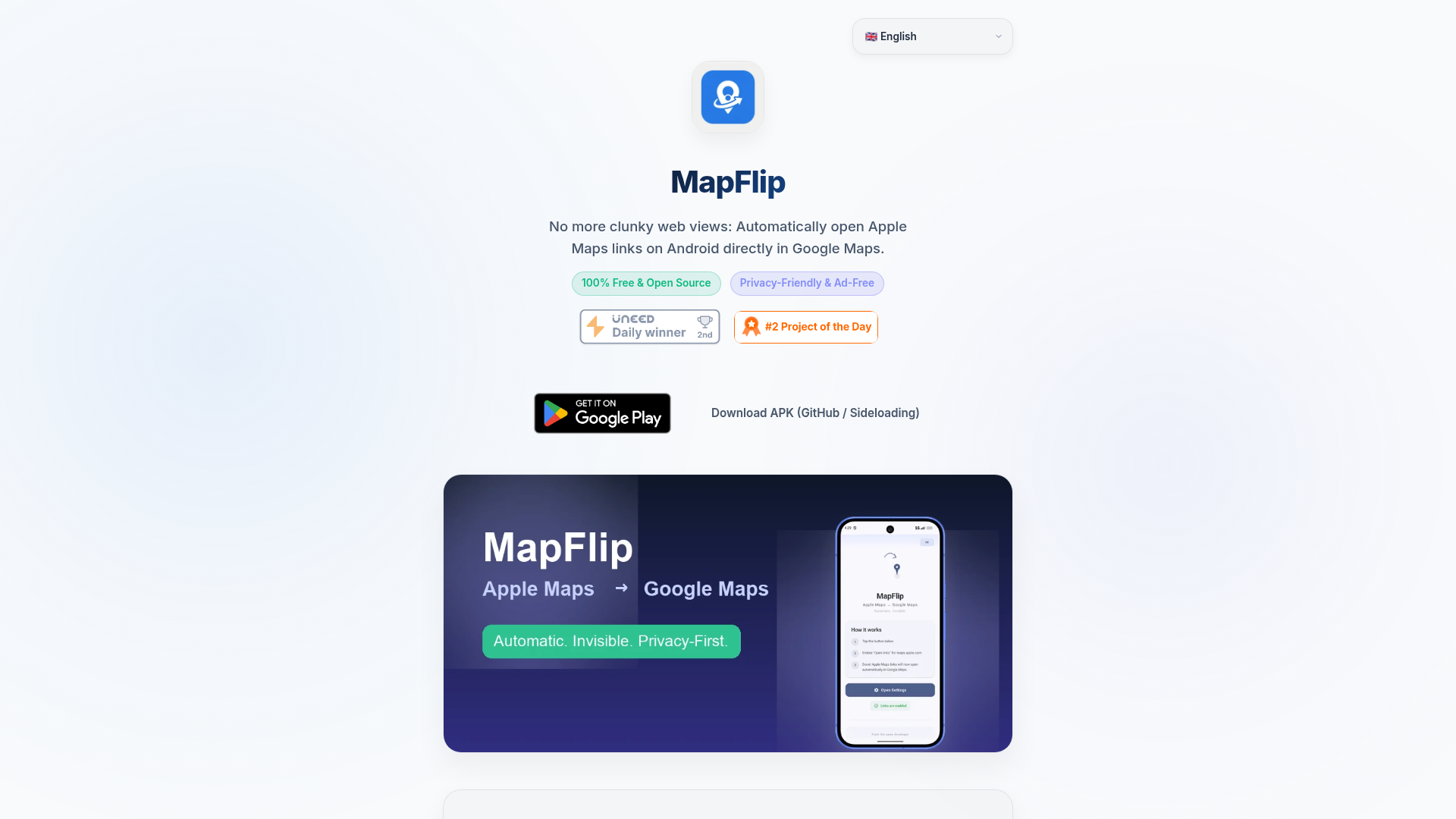
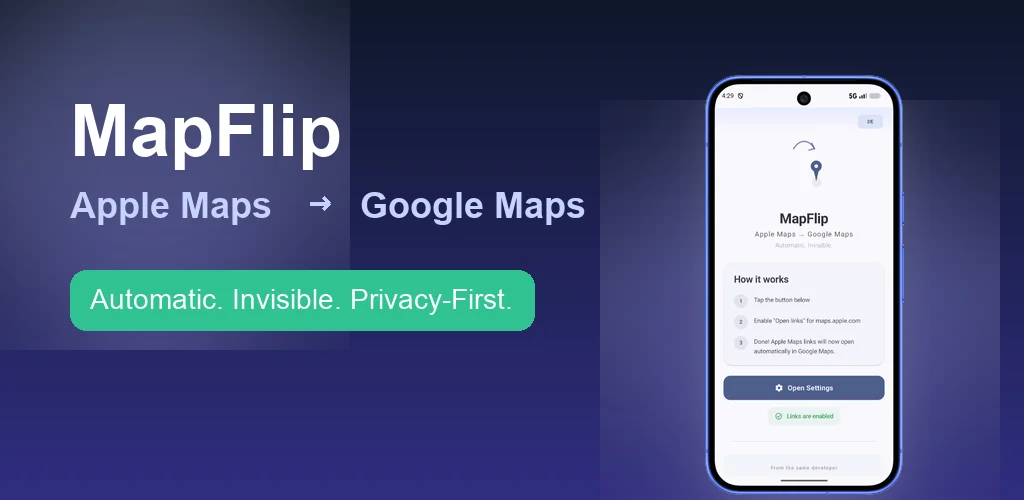
There is a quiet, recurring frustration for Android users: someone sends you an Apple Maps link, and tapping it opens a clunky web view in your browser instead of launching your preferred navigation app. The link works, but barely—no direct navigation, no voice guidance, just a mobile webpage that feels like a step back in time. MapFlip, a small utility from German developer Daniel Notthoff, exists to eliminate this friction entirely. It's a free, open-source Android app that automatically redirects Apple Maps links to Google Maps, turning a two-tap annoyance into a one-tap launch of the native app. The solution is simple, but the thinking behind it reveals a deeper understanding of platform ecosystems and user intent.
The Android Apple Maps Link Problem
The problem MapFlip addresses is a direct consequence of the mobile platform divide. Apple Maps links are ubiquitous—shared in texts, emails, and social media—but they are designed for Apple's ecosystem. On Android, these links do not have a native handler, so they fall back to a browser-based web view of Apple Maps. This experience is, as MapFlip's own comparison puts it, "clunky" and "frustrating," with no direct navigation start. For users who rely on Google Maps for turn-by-turn directions, the web view is a dead end: they have to manually copy the address or coordinates and paste them into Google Maps, a multi-step process that breaks the flow of a simple tap.
MapFlip's thesis is that this is not a niche annoyance but a systemic gap in cross-platform link handling. The app's featured review, from a user named Omri, captures the sentiment: "This solves a real friction point for Android users who get Apple Maps links. The automatic redirection to Google Maps without requiring an app switch is seamless." The review, dated August 2026, suggests the problem is persistent enough to warrant a dedicated tool.
How MapFlip's Redirect Works
The mechanism is straightforward, but the execution is what makes it effective. After installing MapFlip from the Google Play Store or via APK, the user opens the app and taps "Open Settings" to enable redirection. From that point on, any Apple Maps link—whether from a chat, email, or webpage—is intercepted and converted into a Google Maps URL, which then opens directly in the native Google Maps app. The conversion happens locally on the device, as the privacy policy notes: "The app processes Apple Maps URLs locally on your device to convert them into Google Maps URLs."
This is not a cloud-based service or a proxy; it's a local transformation of the link's format. The result is a seamless transition from link to navigation, with full Google Maps functionality—directions, traffic, and voice guidance—available immediately. The app's "Before vs. After" comparison highlights the difference: without MapFlip, a browser web view; with MapFlip, "1 tap on the link ➔ instantly opens the native Google Maps app with full navigation."
Privacy as a Design Principle, Not a Feature
In an era where every app seems to demand permissions for everything, MapFlip takes the opposite approach. The app requires no internet permission at all. This is a bold design decision that sets it apart from most navigation-related tools. The privacy policy is explicit: "MapFlip does not collect, store, or transmit any personal data." There are no analytics SDKs, no tracking, no ads, and no background battery drain.
This is not just a marketing bullet point; it is a structural guarantee. Because the app has no internet permission, it cannot send data anywhere, even if the developer wanted it to. The URL conversion happens entirely on-device, meaning the user's location, search history, and even the links they tap never leave their phone. For privacy-conscious users, this is a significant differentiator. It also means the app is lightweight and fast, with zero background activity.
The website itself also uses a privacy-respecting analytics tool, Umami, which is self-hosted and cookieless, further reinforcing the developer's commitment to privacy.
Pause Mode and the Deliberate UX Choice
One of the most thoughtful features in MapFlip is the Pause Mode, which allows users to suspend the redirection at any time via an in-app switch or the Android notification tile. This is a subtle but important UX decision. Not every Apple Maps link is unwanted; sometimes a user might want to view the original Apple Maps web page, perhaps to see the place's details or reviews that are not available in Google Maps. Pause Mode gives users control, ensuring the app is not a one-way street but a flexible tool.
The quick settings tile is a particularly elegant touch, as it puts the pause function one tap away from the notification shade, without needing to open the app. This level of control suggests that the developer thought carefully about the user's mental model: the app should be invisible until needed, and then immediately accessible when the user wants to override its behavior.
The Apple-to-Google Ecosystem Bridge
MapFlip is, in essence, a bridge between two competing ecosystems. Apple Maps and Google Maps are direct rivals, and their link formats are not interoperable. MapFlip does not try to replace either; it simply makes the transition between them seamless for Android users. This is a pragmatic approach that acknowledges the reality of cross-platform communication: people share links from whatever device they use, and the recipient should not be penalized for being on a different platform.
The app's name, "MapFlip," captures this idea of flipping the map source—from Apple to Google. It is a simple, descriptive name that communicates the core function without ambiguity. The domain, goork.de/mapflip, is a subpage of the developer's personal site, which is fine for a small open-source project, though a dedicated domain might be more memorable. Still, the name is effective because it is instantly understandable.
Open Source, Sideloading, and the Trust Factor
MapFlip is not just free; it is open source, with code licensed under the MIT license. This is a significant trust signal. Users can inspect the code to verify the privacy claims, and developers can contribute to the project. The availability of an APK on GitHub for sideloading further underscores the open-source ethos, allowing users to install the app without the Google Play Store if they prefer.
The combination of open source and no internet permission creates a rare level of transparency for a mobile utility. In a category where many apps are closed-source and data-hungry, MapFlip stands out as a privacy-first alternative. The developer's contact information is also public, adding another layer of accountability.
MapFlip is a small tool that solves a specific problem with a clear, principled approach. It is not trying to be a navigation app or a mapping platform; it is a utility that makes the existing ecosystem work better for Android users. By focusing on a single, well-defined pain point and executing it with privacy and user control at the forefront, MapFlip demonstrates that sometimes the best products are the ones that do one thing exceptionally well.