OtaKit
Open-source OTA updates for Capacitor apps, with delta delivery and store compliance.
NewName Editorial
Editorial Team
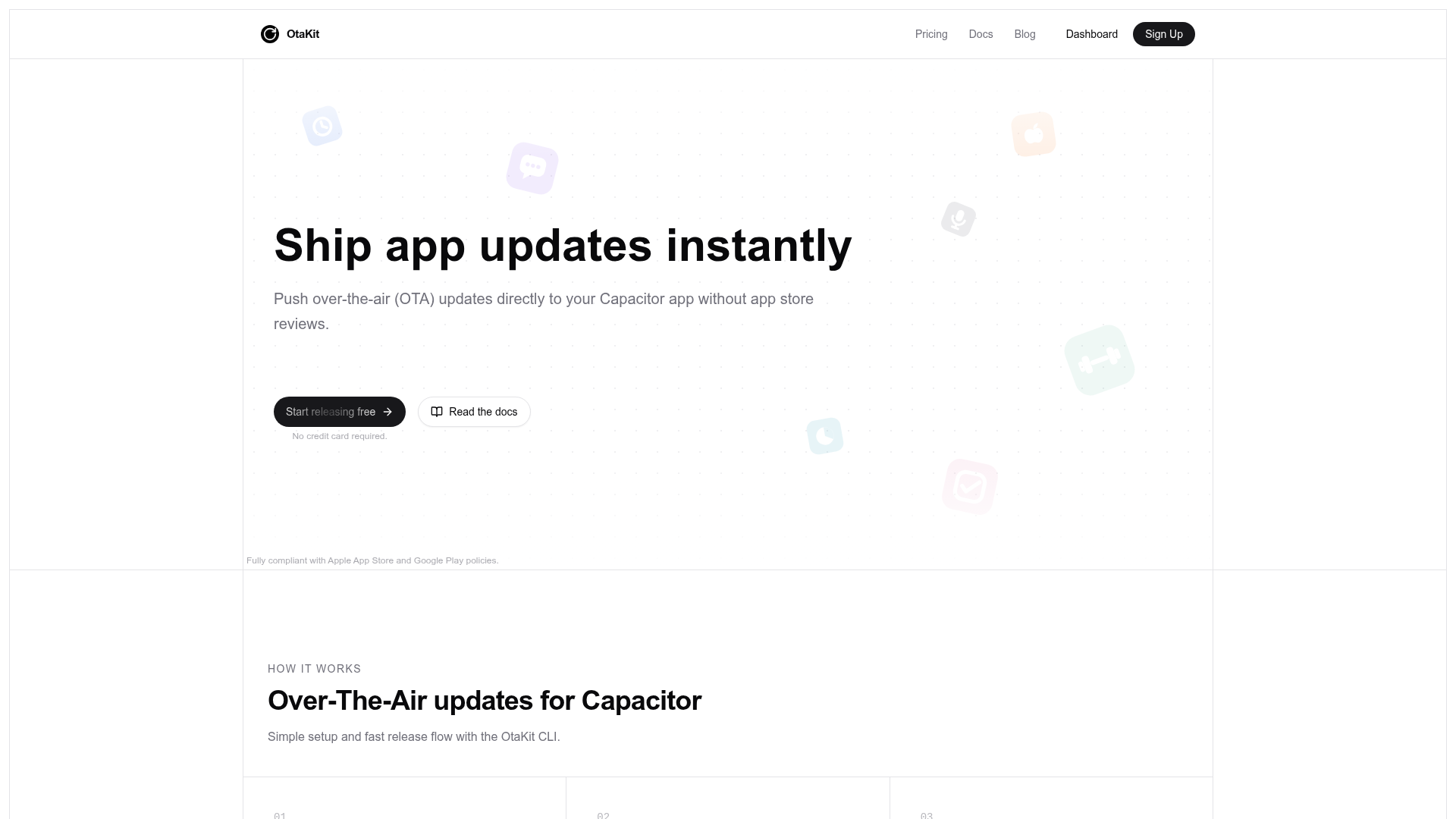
For a long time, Capacitor developers had a dirty secret: shipping a fix meant waiting days for Apple or Google to review it. The web layer of your app could change instantly, but the store review process turned every hotfix into a bureaucratic ordeal. OtaKit is one of a new generation of tools trying to close that gap, offering over-the-air (OTA) updates specifically for Capacitor apps. Its pitch is simple: push updates directly to users, skip the store review, and stay compliant with both Apple and Google policies. But the real story is in the details—how it handles delta updates, rollbacks, and pricing, and how it positions itself against established alternatives like Capgo and Capawesome.
The OTA gap in the Capacitor ecosystem
Capacitor, for the uninitiated, is a framework that lets you build native iOS and Android apps using web technologies. Your app is essentially a native shell that loads a web app. That architecture is a double-edged sword: it's great for cross-platform development, but it means every change to your web code requires a new app store submission. OTA updates solve that by letting you swap the web layer remotely, without a store review. Microsoft's CodePush popularized this for React Native, but it was retired, and Expo's EAS Update only serves React Native. Capacitor developers were left with a few third-party options, and OtaKit is one of the newest entrants. Its existence is a response to a real pain point: the frustration of waiting days for a simple bug fix to reach users.
How OtaKit's CLI turns a store release into a non-event
OtaKit's workflow is designed to be as frictionless as possible. The three-step process—install, upload, release—mirrors what developers already do with their web builds. You install the plugin with npm install @otakit/capacitor-plugin, build your app, upload the new web bundle with otakit upload, and then release it with otakit release. The CLI handles the heavy lifting, and the dashboard gives you a real-time view of what's happening. The dashboard screenshot shows a typical release: bundles with version numbers, runtime versions, sizes, and release channels. You can see how many devices have applied an update, how many have downloaded it, and whether any errors occurred. This is the kind of operational visibility that teams need when they're pushing code to production devices.
The CLI also catches native-compatibility mistakes before they ship, which is a subtle but important feature. If you change your native code, the web bundle might not be compatible. OtaKit checks for that and warns you, preventing a broken update from reaching users. This is a safety net that many teams would appreciate, especially when they're moving fast.
Delta updates, rollback safety, and the trust problem
One of OtaKit's standout features is delta updates. Instead of downloading the entire web bundle every time, devices only download the files that changed between releases. For asset-heavy apps, this can mean updates in kilobytes instead of megabytes. That's a huge win for users on slow connections or limited data plans. The website claims that "asset-heavy apps update in kilobytes, not megabytes," which is a concrete benefit that sets it apart from competitors that might not offer delta updates.
Rollback safety is another critical piece. If an update is broken, OtaKit automatically rolls back to the last working version. The dashboard shows a "Revert to previous" button for each release, and the events log includes rollback events. This is essential for maintaining trust with users—if an update crashes the app, they need to be back on a working version quickly. The automatic rollback is a feature that many OTA systems have, but OtaKit's implementation seems straightforward and well-integrated.
The compliance tightrope: what Apple and Google actually allow
OTA updates for mobile apps are a gray area. Apple and Google have strict guidelines about what can be updated over the air. The key is that OTA updates must only change the web layer, not the native code. OtaKit's website is careful to state that it is "fully compliant with Apple App Store and Google Play policies," and it has a blog post that quotes the primary sources and explains the line between compliant web-layer updates and rejection territory. This is a smart move, because compliance is the first question any skeptical developer will ask. By addressing it head-on, OtaKit positions itself as a safe choice.
However, the compliance line is not always clear-cut. Apple's guideline 2.5.2, for example, prohibits apps from downloading code that changes the app's functionality. OtaKit's argument is that updating the web layer is not changing the native functionality, but it's a nuanced area. The blog post promises to explain "exactly where the compliance line sits," which suggests OtaKit is aware of the complexity and is trying to educate its users.
Pricing as a positioning statement: no MAU metering
OtaKit's pricing is based on "live updates delivered," not on seats, end-user tracking, bandwidth, or storage. The free tier includes 10,000 updates per month, which is generous for early usage. The Pro tier costs $25/month (billed yearly) and includes 1,000,000 updates per month, with overage at $50 per extra million. This is a deliberate contrast to competitors like Capgo and Capawesome, which the blog posts claim charge based on monthly active users (MAU) or bandwidth. OtaKit's pricing page explicitly says "no MAU metering," and the blog posts include price math showing that most apps would pay $0–25/mo with OtaKit, versus $33–208+ with Capgo.
This pricing model is a strong positioning statement. It aligns OtaKit's interests with the developer's—you only pay for what you use, and there's no penalty for having a large user base. It also makes the free tier viable for small projects, which can help with adoption. The "Get 50% off for a testimonial" offer is a classic growth hack, but it also signals that OtaKit is early-stage and eager for social proof.
Open source as a moat and a risk
OtaKit is open source under the MIT license. The core is fully open source, and you can self-host it on your own infrastructure. This is a double-edged sword. On one hand, it builds trust—developers can inspect the code, verify security claims, and even contribute. The website mentions "signed manifests, SHA-256 verification, HTTPS everywhere, and optional end-to-end encryption," which are strong security features that open source makes verifiable. On the other hand, open source means competitors can fork the code and offer a similar service, potentially undercutting OtaKit's pricing. The company's moat would have to come from the managed service, the dashboard, and ongoing development—not the code itself.
The open-source angle also affects the brand. The name "OtaKit" suggests a toolkit, which fits the open-source ethos. It's a developer-friendly name, even if it's not the most distinctive. The domain otakit.app is clean and relevant. The brand is clearly aimed at developers who value transparency and control.
OtaKit is a promising tool for Capacitor developers who are tired of store review delays. Its focus on delta updates, rollback safety, and compliance, combined with a developer-friendly pricing model and open-source core, makes it a compelling alternative to Capgo and Capawesome. The main risks are the compliance gray area and the competitive pressure from open-source forks. But for teams that want to ship faster, OtaKit is worth a serious look.