ProjectTrack
ProjectTrack gives freelancers a real-time view of profitability per project, replacing spreadsheets with a mobile-first financial cockpit.
NewName Editorial
Editorial Team


ProjectTrack enters a crowded field of finance and project management tools with a simple, almost obvious premise: every project is its own financial box. The app, currently in open beta, lets freelancers and self-employed professionals separate income and expenses by project, scan receipts with AI, and watch their real-time margin without waiting for an accountant. It's not a revolution in accounting, but it might be a revolution in how freelancers think about their own profitability.
The Per-Project Ledger: Why Freelancers Need a Financial Cockpit
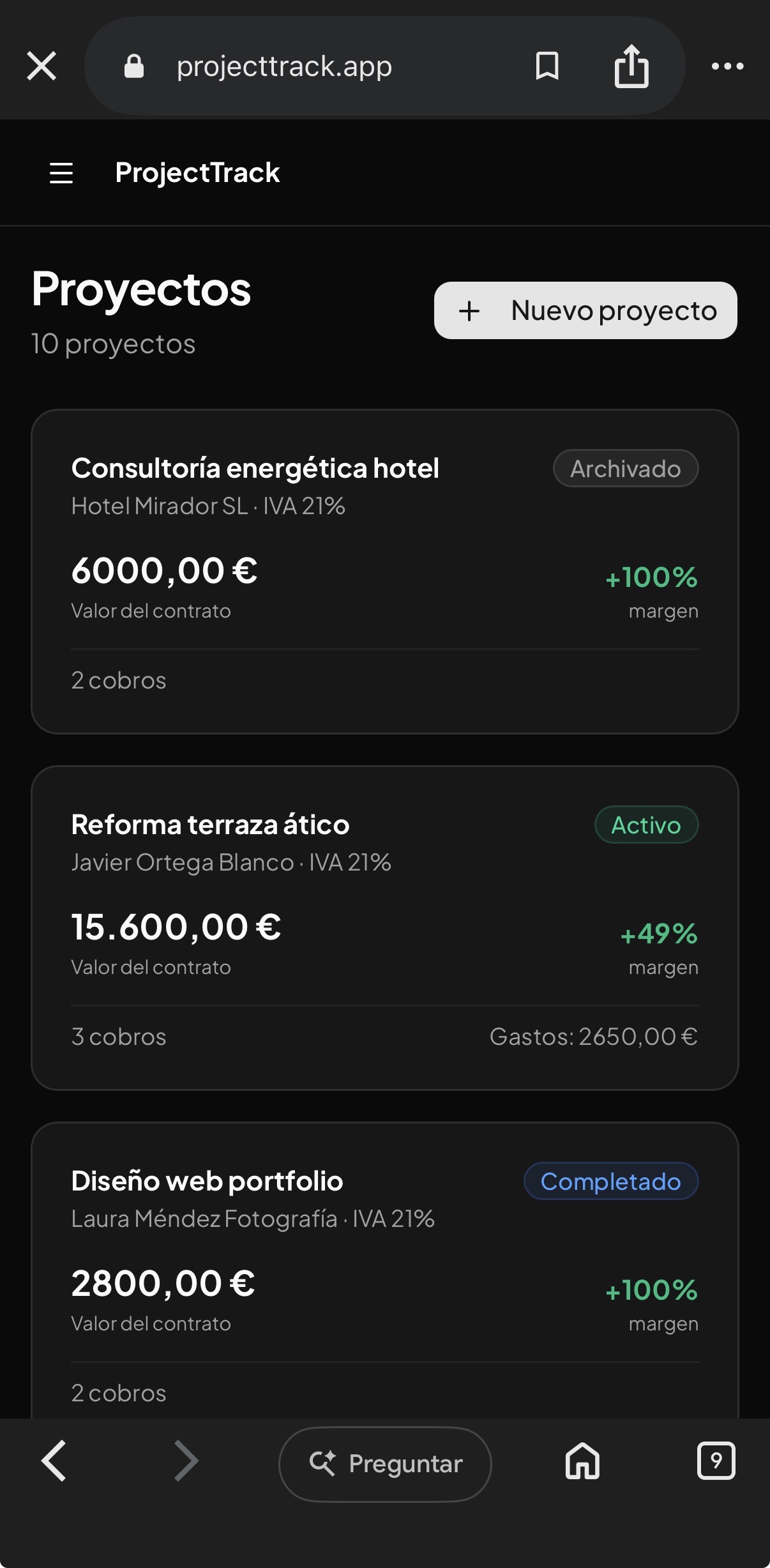
Most freelancers don't have a finance problem; they have a visibility problem. They know what they invoice, but they don't know what each project actually costs them in time, materials, and overhead. ProjectTrack's core design addresses this by giving each project its own "caja" — its own box. The website's tagline, "Cada obra, su propia caja," (each job, its own box) is more than a slogan; it's the product's architecture.
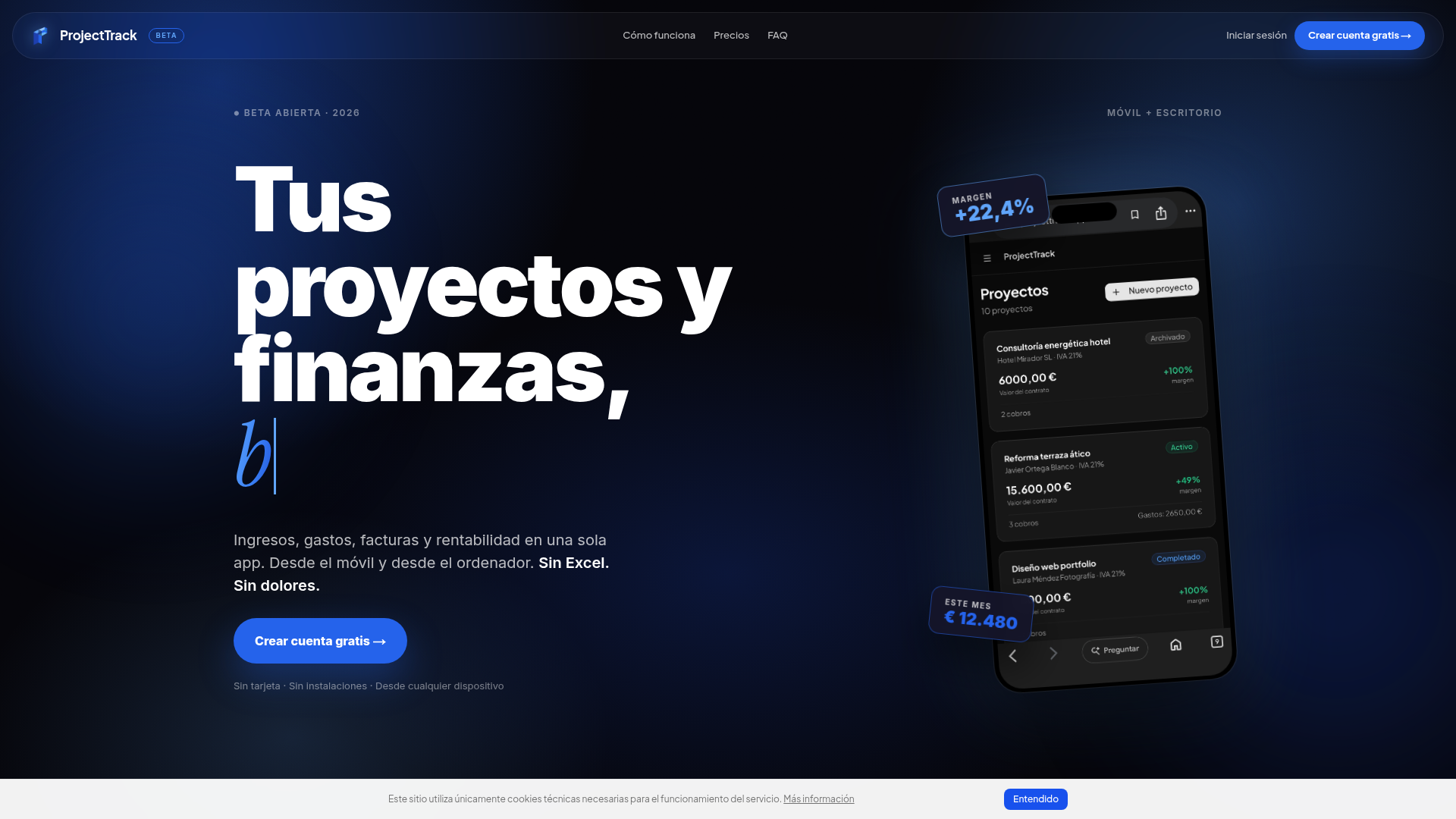
Instead of a single ledger where income and expenses are lumped together, ProjectTrack lets you assign every transaction to a specific project. This creates a per-project profit and loss statement that updates in real time. The dashboard shows a margin percentage (the site displays a sample +22.4% and €12,480 in income) and a live comparison of budget versus actual spending. For a freelancer juggling multiple clients, this is the difference between knowing you made money this month and knowing which client is actually worth keeping.
The app is designed for mobile and desktop, with the mobile app acting as a quick-capture tool and the desktop as the review and reporting hub. This dual approach acknowledges the reality of freelance work: expenses happen on the go, but analysis happens at the desk.
From Receipt to Report: The OCR Workflow That Kills the Shoe Box
The most concrete feature ProjectTrack pitches is its AI-powered receipt scanning. The workflow is straightforward: you take a photo of a receipt with your phone, assign it to a project, and the app extracts the vendor, amount, and date using OCR. This is a common feature in expense apps, but ProjectTrack's integration with project-level accounting is what makes it different.
The site emphasizes the end of the "shoe box" — the pile of paper receipts that freelancers accumulate and then dread sorting at tax time. By capturing expenses at the moment they happen, ProjectTrack aims to eliminate the backlog and the anxiety that comes with it. The app also auto-categorizes expenses, though the details of that categorization are not disclosed.
For freelancers who work with gestorías (accounting firms) in Spain, the ability to export reports in CSV or PDF is crucial. The site promises exportable reports for your accountant, which is a practical touch that many similar tools overlook.
The Profitability Question: What You Actually Earn, Per Client
The third pillar of ProjectTrack is its focus on profitability, not just revenue. The site asks pointed questions: "¿Este cliente te compensa?" (Is this client worth it?) and "¿Pierdes margen este mes?" (Are you losing margin this month?). These questions get at the heart of freelance economics — not all revenue is good revenue.
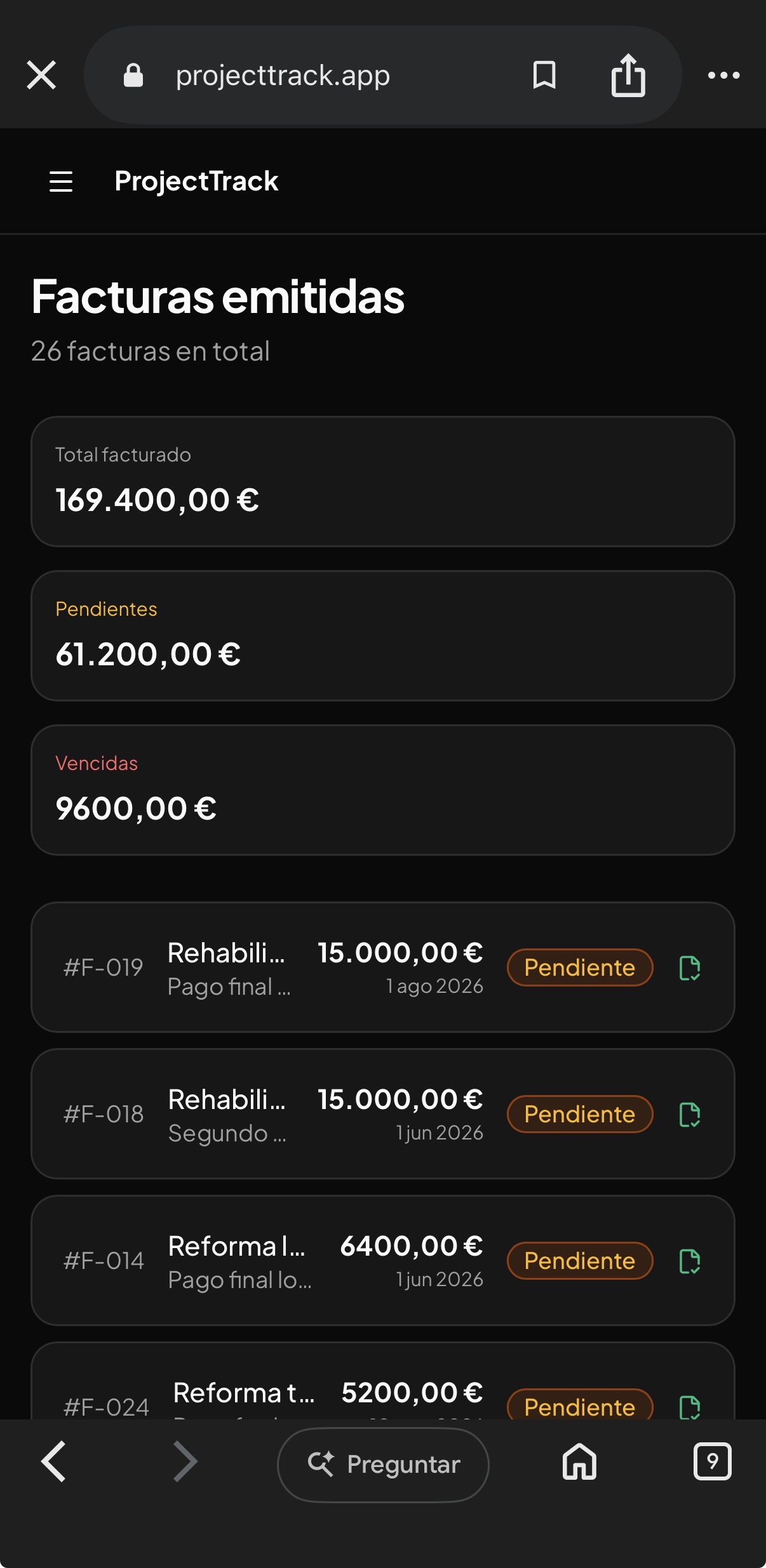
ProjectTrack's dashboard shows margin per project, income versus expenses, and a monthly close. This is the kind of insight that usually requires a spreadsheet and a lot of manual work. By automating the calculation, ProjectTrack removes the friction between data entry and decision-making.
The sample dashboard shows a margin of +22.4% and income of €12,480, but these are illustrative numbers. The key is that the app is designed to answer the question "How much am I really making?" in real time, without waiting for an accountant or a quarterly tax estimate.
The Beta Gambit: Free PRO and the Trust-Building Play
ProjectTrack is currently in open beta, and the entire PRO plan is free during this period. This is a bold move, especially for a product that charges €14.99 per month after beta. The free plan, STARTER, is limited to 3 projects and 20 records per month, which is enough to test the waters but not enough to run a real business.
By making PRO free during beta, ProjectTrack is betting that users will get hooked on the workflow and be willing to pay once the beta ends. This is a common strategy, but it's particularly effective for a product that solves a painful problem — the alternative is Excel, and once you've seen real-time profitability, it's hard to go back.
The site also emphasizes that no credit card is required and that data is stored on European servers, which is a trust signal for privacy-conscious users, especially in the EU.
The Name and the Domain: ProjectTrack's Positioning Puzzle
The name ProjectTrack is descriptive but generic. It combines "project" and "track," which immediately communicates the product's purpose: tracking projects. However, it doesn't hint at the financial focus. A name like "ProfitBox" or "MarginApp" might be more specific, but ProjectTrack is safer and more scalable if the product ever expands beyond finance.
The domain, projecttrack.app, is modern and available, but it lacks the credibility of a .com. For a product targeting freelancers who are not tech-savvy, a .com might inspire more trust. However, the .app TLD is a signal of a web-based product, which aligns with the app's cross-platform nature.
Overall, the name is functional but not memorable. It doesn't evoke the emotional relief of "no more Excel" or the clarity of "know your margin." It's a name that describes, not a name that sells. But for a beta product, it's a safe choice — it doesn't promise more than it delivers.