Room Service
A developer-first Mac cleaner that turns disk clutter into an inspectable, project-aware workflow.
NewName Editorial
Editorial Team
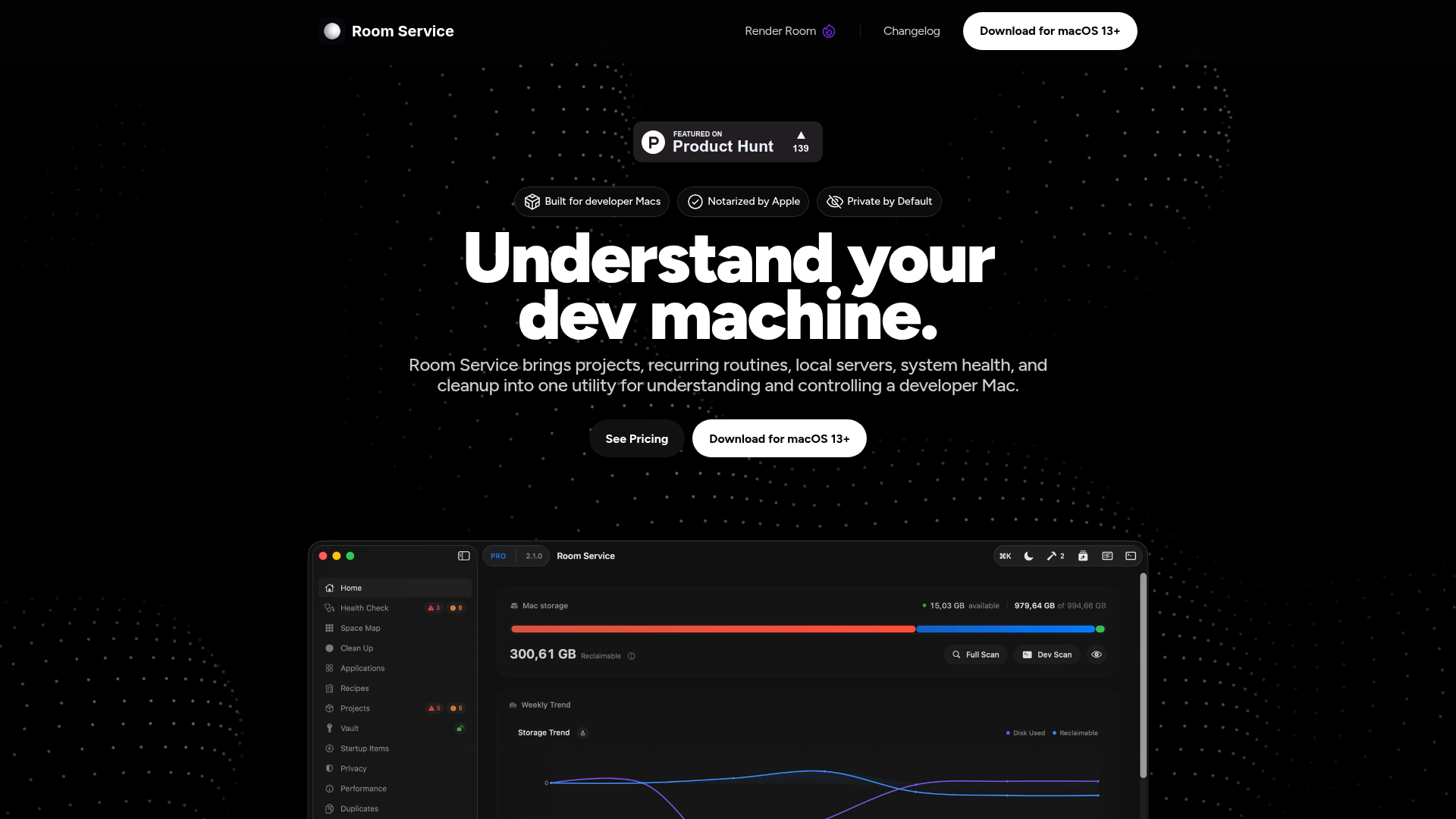
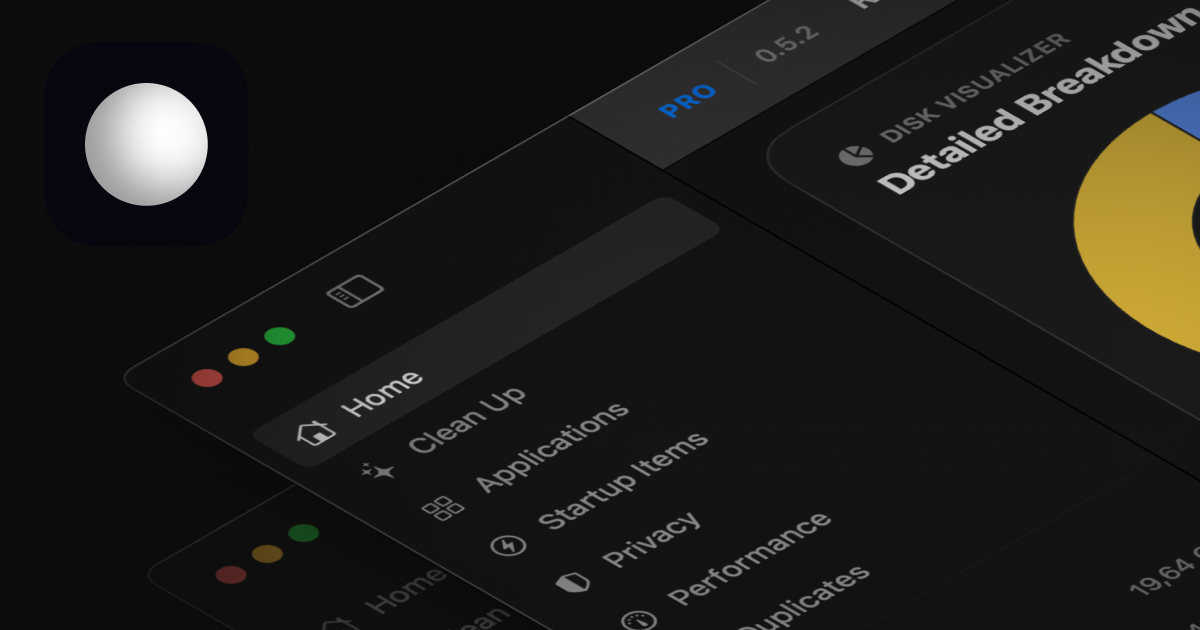

Most Mac cleaners are built for people who don't know what a build cache is. They offer a big button, a spinning progress bar, and a promise that your Mac will feel faster. Room Service takes the opposite approach: it's built for developers who know exactly what's filling their disk—and are rightfully suspicious of anything that offers to delete it in one click.
The pitch isn't a faster Mac. It's a more understandable one. Room Service scans your machine, breaks down what's taking space by project and by category, and lets you review everything before you act. The free tier is read-only; you pay only when you want to actually change files. That's a quiet but significant inversion of the cleaner-software playbook, and it's the core of what makes Room Service interesting.
Why developer Macs need a different kind of cleaner
Consumer cleaners treat disk clutter as a generic problem: caches, logs, junk. But a developer's Mac is different. The big space hogs are Xcode's DerivedData, Docker images and build caches, node_modules folders that multiply across projects, Python virtual environments, and Android build artifacts. These aren't junk—they're rebuildable storage, and deleting them has real consequences. Clear the wrong cache and you're waiting 20 minutes for a rebuild. Remove a Docker image you actually need and you're pulling it again over a slow connection.
Room Service's tagline—"Clean Xcode caches, Docker data, node_modules, and other developer clutters"—is a direct acknowledgment of this world. It's not trying to be a general-purpose utility; it's aiming at the specific pain of a machine where storage is consumed by tools that are supposed to make you productive. The company's own comparison chart lists features like "Docker cleanup (images, containers, build cache)" and "Project artifacts cleanup (node_modules, build, dist)" as things that generic cleaners like Clean My Mac and MacKeeper don't handle.
The free tier is the product: scan, inspect, and do nothing
Room Service's pricing page is unusually explicit: "Free to inspect. Pro to act." The free tier includes all scans, read-only review, search, filters, risk labels, history, a home dashboard, storage overview, performance workspace, live metrics, smart alerts, and even CLI scan/report/history/export. What you can't do for free is run real cleanup actions, uninstall apps, remove duplicates, or restore from quarantine.
That's a bold product decision. Most cleaner apps gate the scan behind a paywall, or offer a free scan that's really just a teaser for the paid cleanup. Room Service gives away the entire diagnostic layer. The bet is that once you see a breakdown of your project sizes—"this repo is 40GB, and 30GB of it is DerivedData"—you'll trust the tool enough to pay for the action. It's a trust-first funnel, and it's rare in a category that usually relies on fear ("your Mac is slow!") and urgency ("clean now!").
Project-aware cleanup: from node_modules to Docker build cache
The core of Room Service is the Projects workspace. It scans local Git repositories and breaks them down into Git data, dependencies, build outputs, caches, assets, logs, and source files. This is a fundamentally different approach from a generic cleaner that just lists "large files." A developer can see that a project's size is driven by node_modules versus build output versus Git history, and make an informed decision about what to clear.
The site also mentions "stack detection" and "custom AI storage paths," which suggests it can recognize common frameworks and tools. The comparison chart highlights support for Python environment cleanup, Android artifacts, code editor caches, and game engine caches—areas where generic cleaners are blind. This isn't just a list of features; it's a signal that Room Service is designed by someone who has actually run out of disk space mid-build and knows the pain of hunting through ~/Library/Developer by hand.
Build Watchers and Dev Ports: catching what cleaners miss
Room Service extends beyond storage. Two features stand out as genuinely novel for a cleaner: Build Watchers and Dev Ports.
Build Watchers detects long-running build or watch processes that consume sustained CPU or RAM, even when they don't open a local port. This is a common developer problem: a background process from a forgotten npm run watch or a stuck build is silently eating resources. Room Service surfaces these from the Home screen, menu bar, and Command Palette, and lets you jump to the project or stop the process with context.
Dev Ports shows which local servers are running, links them back to project directories when possible, and indicates whether a port is LAN-shareable or local-only. It can notify you when a new server starts listening, and lets you copy a LAN URL or show a QR code for testing on another device. This is a small but useful convenience for anyone who juggles multiple dev servers.
These features aren't about cleaning at all. They're about understanding what's running on your machine—which is a natural extension of the core thesis: a developer Mac is a system that needs to be understood, not just wiped.
Quarantine, undo, and the confidence to actually delete
The biggest risk with any cleaner is deleting something you need. Room Service addresses this with a quarantine system: deleted files go to a quarantine area, and Pro users can restore them. The site also mentions "quarantine-backed deletes" and "undo restore" as key features.
This is critical for the developer audience. A consumer might accept a cleaner's "empty trash" as final, but a developer knows that a mis-clicked cleanup can wipe a week of work. The quarantine gives you a safety net, and the free tier's read-only review means you can inspect exactly what would be deleted before you commit. The combination of project-aware breakdowns, risk labels, and quarantine makes cleanup feel like a deliberate action rather than a gamble.
The $29 lifetime bet: pricing that matches developer trust
Room Service's Pro tier is a $29 lifetime purchase. That's a striking price point for a Mac utility, especially when competitors like Clean My Mac charge a yearly subscription. The site recommends Pro, and the pricing page frames it as "unlock the actions that actually change files, apps, startup behavior, and disk state."
The lifetime model is a bet on trust: developers are more likely to pay a one-time fee for a tool that respects their intelligence than to subscribe to something that nags them. It also aligns with the product's philosophy—Room Service isn't trying to lock you into a recurring revenue stream; it's trying to become a permanent part of your toolkit. The free tier already provides immense value, so the $29 is essentially a tip for the privilege of deleting things safely.
Room Service isn't the first Mac cleaner, and it won't be the last. But it's one of the few that treats developers as adults. It gives you the information, the tools, and the safety net to make your own decisions about what to delete. In a category built on fear and one-click fixes, that's a refreshing—and arguably more effective—approach.