TalktoWP
WordPress monitoring that explains itself—and warns your whole fleet before bad updates spread.
NewName Editorial
Editorial Team


WordPress monitoring has always had a language problem. Uptime monitors shout "503 Service Unavailable." Security scanners dump PHP stack traces. PageSpeed hands you a score of 62 and a wall of jargon. The site owner—often an agency founder or a small business operator—is left to translate, triage, and hope a developer is awake.
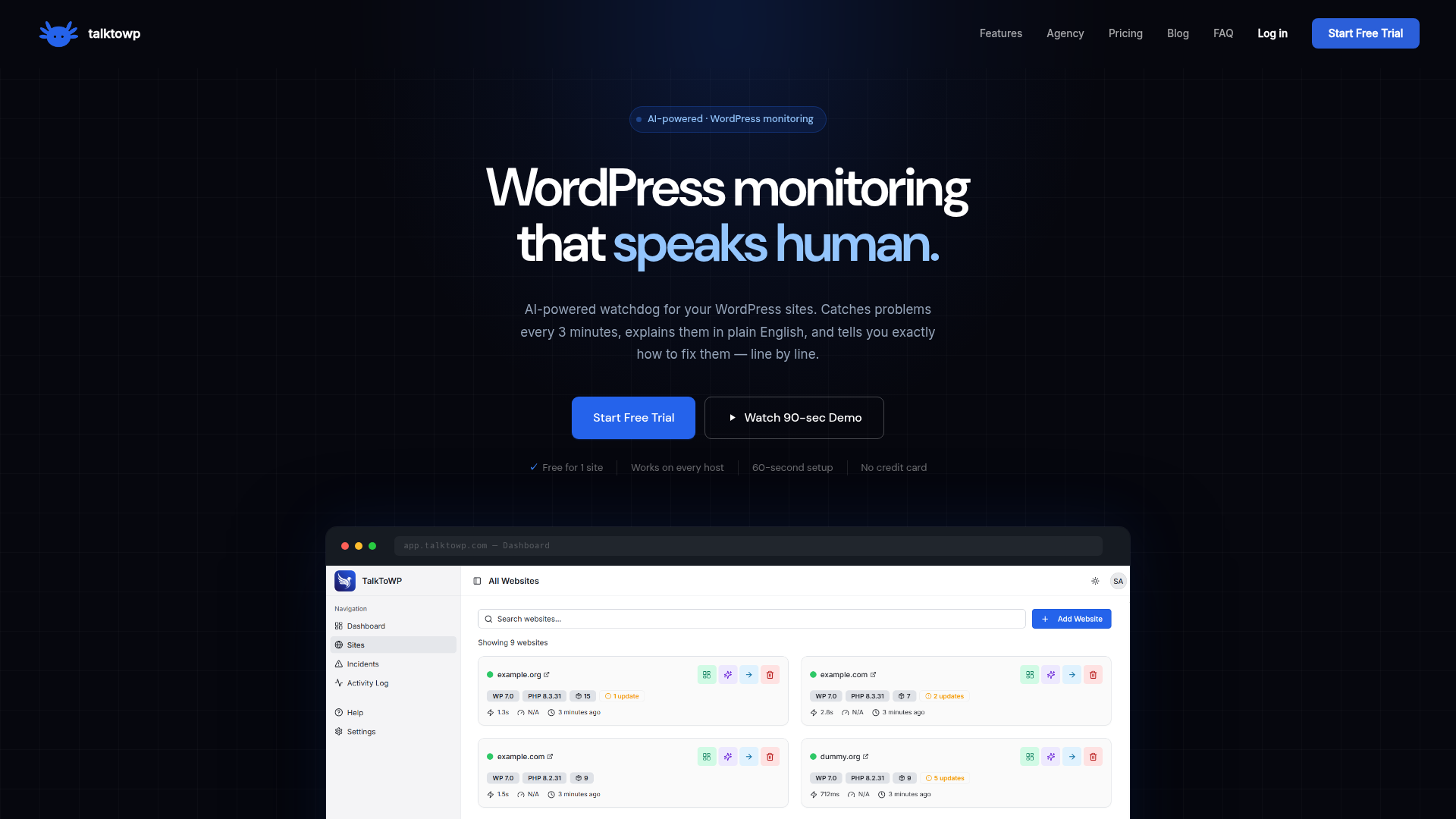
TalktoWP, a new AI-powered monitoring plugin, is betting that the next big leap in WordPress maintenance isn't another metric, but a translation layer. It watches your sites every three minutes, detects bugs and errors, and explains them in plain English—with step-by-step fixes anyone can follow. And it adds a genuinely novel twist: when one site in its network breaks, every other user gets warned before they install the same bad update. It's a monitoring tool that treats the entire WordPress ecosystem as a single, shared nervous system.
This article unpacks how TalktoWP works, where it fits in the crowded WordPress monitoring space, and whether its cross-fleet intelligence is as powerful—and as risky—as it sounds.
The 3-Minute Watchdog That Speaks Human
TalktoWP's core loop is simple: a lightweight plugin installs on your WordPress site, connects to the TalktoWP cloud dashboard, and then checks your site every three minutes. That cadence alone is faster than most traditional uptime monitors, which often poll every five minutes or more. But the speed isn't the headline—the explanation is.
Every alert comes with a plain-English explanation. Instead of a raw PHP error log, you get something like: "Your site is offline because the WooCommerce plugin is conflicting with your theme's checkout script. Here's the exact file to edit, and here's the fix." The AI is trained specifically on WordPress errors, plugin behavior, and hosting configurations, so it can distinguish between a fatal error and a harmless warning—and it says so when it's not sure.
For agencies managing multiple sites, this is a time-saver. The site's own ROI calculator estimates 50 minutes saved per incident, and while that number is self-reported, the logic holds: decoding a stack trace and searching for a fix takes far longer than reading a clear explanation. TalktoWP's AI doesn't just tell you what's wrong; it tells you what to do next, in order, with copy-paste-ready code snippets for things like security headers.
Cross-Fleet Intelligence: When One Site Breaks, Every User Learns
The most distinctive feature in TalktoWP's arsenal is what it calls "Cross-Fleet Plugin Intelligence." Here's the scenario: a plugin update goes out, and within an hour, it breaks checkout on 17 TalktoWP-monitored sites. TalktoWP detects the pattern and immediately warns every other user: "Hold this update until a patch is released." The warning appears inline on incident cards, so you don't have to check a separate feed.
This is a network-effect moat. The more sites that connect, the faster and more accurate the warnings become. No other WordPress monitor does this—at least not publicly. Traditional security tools like Wordfence or Sucuri might flag a specific vulnerability, but they don't aggregate real-time breakage patterns across a fleet of unrelated sites. TalktoWP is essentially crowdsourcing the "does this update break things?" question, and turning it into a pre-emptive alert.
The catch is that this requires a critical mass of users to be useful. With a small user base, the warnings will be sparse. But the feature is smartly designed to be self-reinforcing: early adopters get value from the AI explanations, and as the network grows, the fleet warnings become more valuable. It's a classic two-sided network effect, and it's rare to see it applied to WordPress monitoring.
From Stack Traces to Step-by-Step Fixes
TalktoWP's AI isn't just a chatbot that answers questions; it's baked into every alert. The dashboard shows a live incident, and next to it, a chat panel where the AI explains what happened, why, and how to fix it. The example in their marketing materials shows a "Site Offline" incident with a plain-English explanation and a step-by-step fix guide—no PHP stack trace, no status code, just a human explanation.
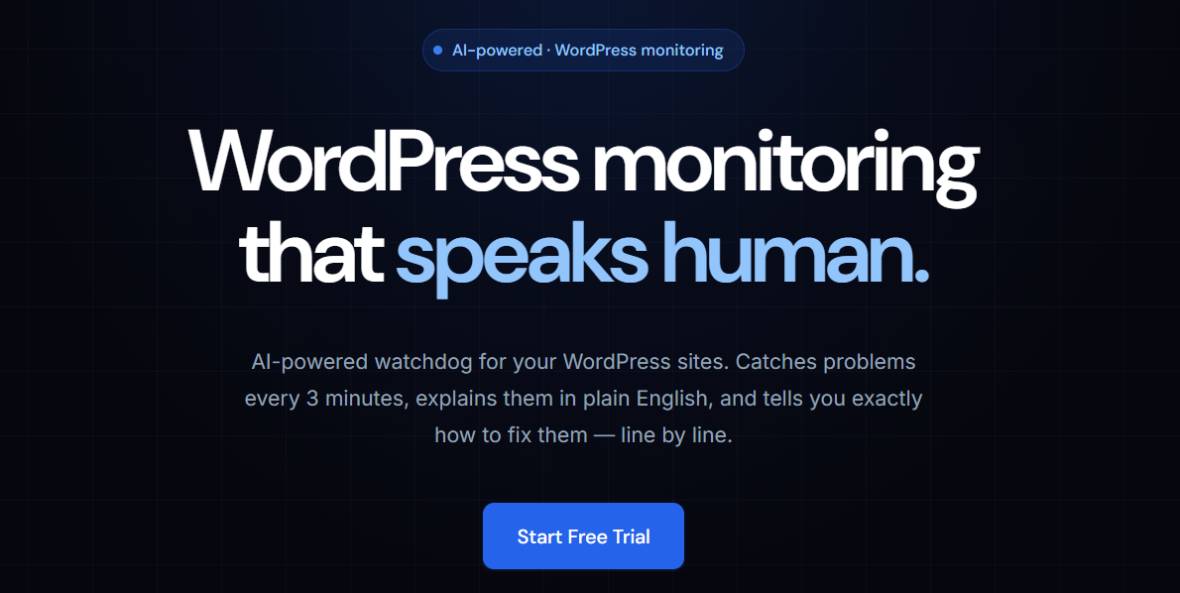
This is a deliberate design choice. The target user isn't a hardcore developer; it's an agency owner, a multi-site manager, or a business owner who wants WordPress to feel simple again. The tagline says it all: "WordPress monitoring that speaks human."
The AI's accuracy is a key question. TalktoWP's FAQ admits that it's "accurate on the vast majority of common issues—PHP errors, plugin conflicts, database problems, security misconfigurations—and for unusual issues it says so clearly." That's an honest and sensible approach. It avoids the overconfidence that plagues many AI tools, and it sets expectations for when you should escalate to a human.
The Agency Dashboard: One Login, Every Client, No Password Vault
Agencies are a core audience, and TalktoWP's agency features are designed to reduce the friction of managing multiple client sites. The fleet pulse view gives a color-coded overview of all sites, sorted by severity. You can jump into any wp-admin without saving passwords, thanks to SSO that doesn't store credentials. Every plugin activation, update, and deactivation is logged with the WordPress username and timestamp, so you can answer the classic question: "Who deactivated WooCommerce at 2am?"
This audit trail is a subtle but powerful feature. It turns monitoring from a reactive tool into a forensic one. When a client's site goes down, you can see exactly what changed and when, without digging through server logs.
The agency reporting feature is also a nice touch—it lets you share clean, plain-English reports with clients, which can justify your retainer and build trust.
What's Free vs. What's Paid: A Pricing Philosophy
TalktoWP's pricing is aggressive. The free tier includes daily monitoring, basic security scans, and AI explanations, but not AI chat. Paid plans start at $9/month for one site, $49 for 10 sites, $199 for 50, and $349 for 100. Every paid plan includes the full security suite, plugin conflict detection, performance monitoring, and unlimited AI chat.
The notable move is that features like core file integrity scanning and security header audits—which Wordfence Premium charges $99/year for—are included free. TalktoWP's marketing explicitly compares itself to Wordfence, PageSpeed, and other tools, arguing that it bundles what would cost $291/month in separate subscriptions for $199/month (at the Scale tier).
This is a classic land-and-expand strategy: hook users with a generous free tier, then upsell on site count and AI chat. The risk is that the free tier might be too generous, but for a new entrant, it's a reasonable way to build the network effect that powers the cross-fleet intelligence.
The Name, the Domain, and the Positioning
The name "TalktoWP" is a direct statement of the product's thesis: you talk to WordPress, and it talks back in plain English. It's conversational, memorable, and descriptive. The domain, talktowp.com, is clean and exact—no hyphens, no .io tricks. It's a name that works for both technical and non-technical audiences, which aligns with the product's dual focus on agencies and business owners.
The branding is consistent across the site: the tagline "WordPress monitoring that speaks human" reinforces the conversational angle, and the product screenshots show a chat-like interface. The name is a promise, and the product delivers on it.
One potential weakness is that the name might be too literal—it could be confused with a chatbot or a support tool rather than a monitoring platform. But in a crowded market of "WP Monitor," "WP Uptime," and "WP Security," "TalktoWP" stands out for its clarity and personality.
Open Questions: Trust, Scale, and the Limits of AI
TalktoWP is a promising product, but it faces several open questions. First, trust: the cross-fleet intelligence requires users to share data about their sites' plugin behavior. TalktoWP's privacy page is reassuring—it publishes the exact JSON payload it transmits, and claims zero third-party data sharing—but agencies may still be wary of sending client site data to a third-party network.
Second, scale: the network effect only works if there are enough users. Without a critical mass, the fleet warnings will be sporadic, and the feature's value proposition weakens. TalktoWP is currently featured on Product Hunt and other launch platforms, which suggests early traction, but sustained growth is unproven.
Finally, the limits of AI: while the AI explanations are impressive, they're not infallible. For unusual issues, the AI says so clearly, but that's a double-edged sword—it might lead users to escalate prematurely, or worse, to trust a wrong answer. The FAQ's honesty is a good sign, but it's a reminder that AI-assisted monitoring is still a complement to, not a replacement for, human expertise.
For agencies drowning in alerts and clients who don't speak PHP, TalktoWP is worth a look. It's a rare tool that tries to make WordPress monitoring feel less like a fire drill and more like a conversation.