vibespace
A local-first AI agent team on your Mac, shipping together with you in the loop.
NewName Editorial
Editorial Team
The promise of AI agents has always been a team that works while you sleep. But most agent platforms are cloud-bound, account-gated, and opaque—you send a prompt, wait, and hope. vibespace flips that model: it runs a team of AI agents directly on your Mac, in a workspace that looks more like Slack than a dashboard. It's local-first, secure by default, and free, with no account required. The name itself—"vibespace"—suggests a place where agents and humans coexist, not just a tool you invoke. This is a deliberate bet on a different kind of agent experience: one that's collaborative, transparent, and personal.
The Mac as a Multi-Agent Studio
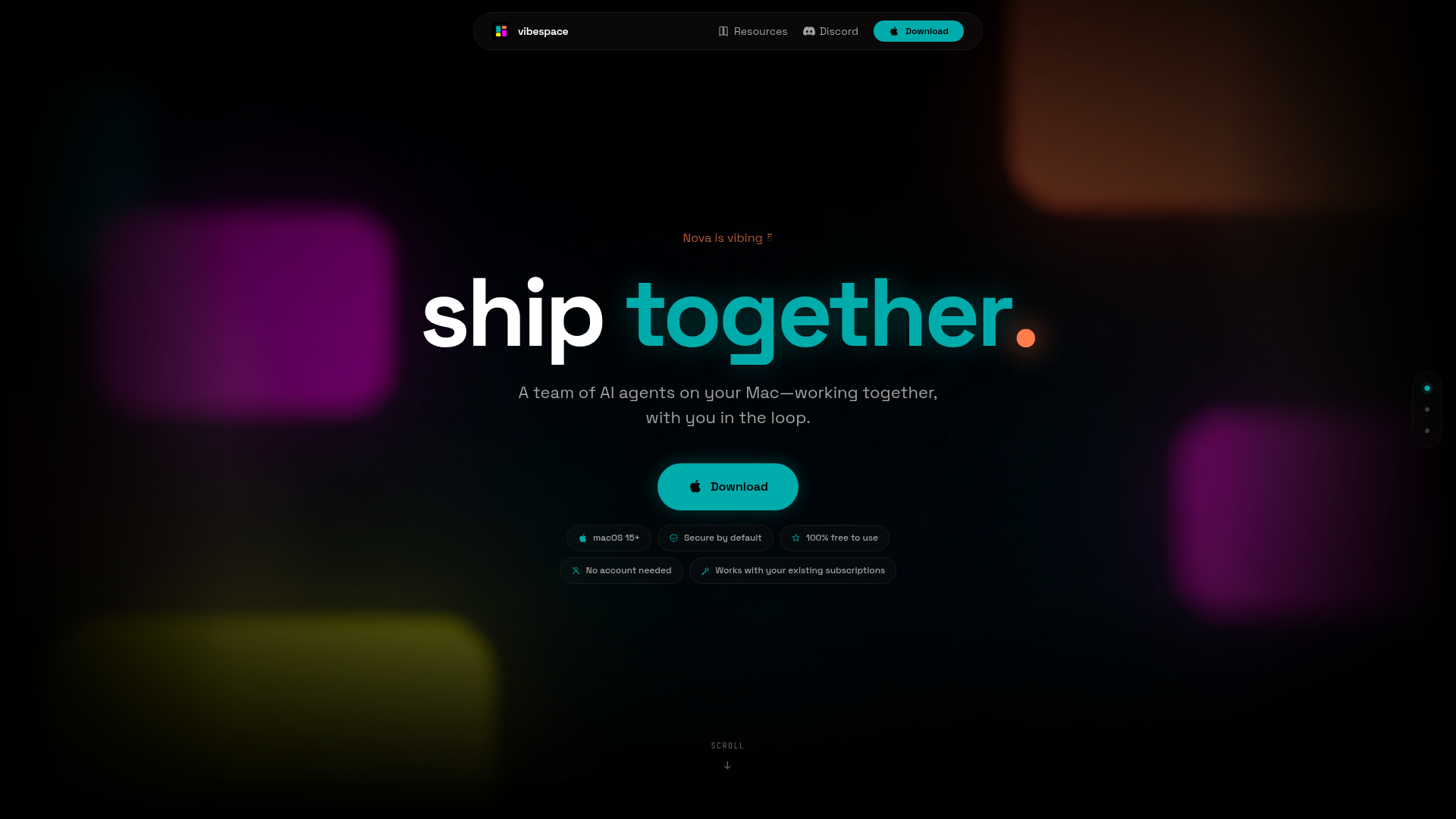
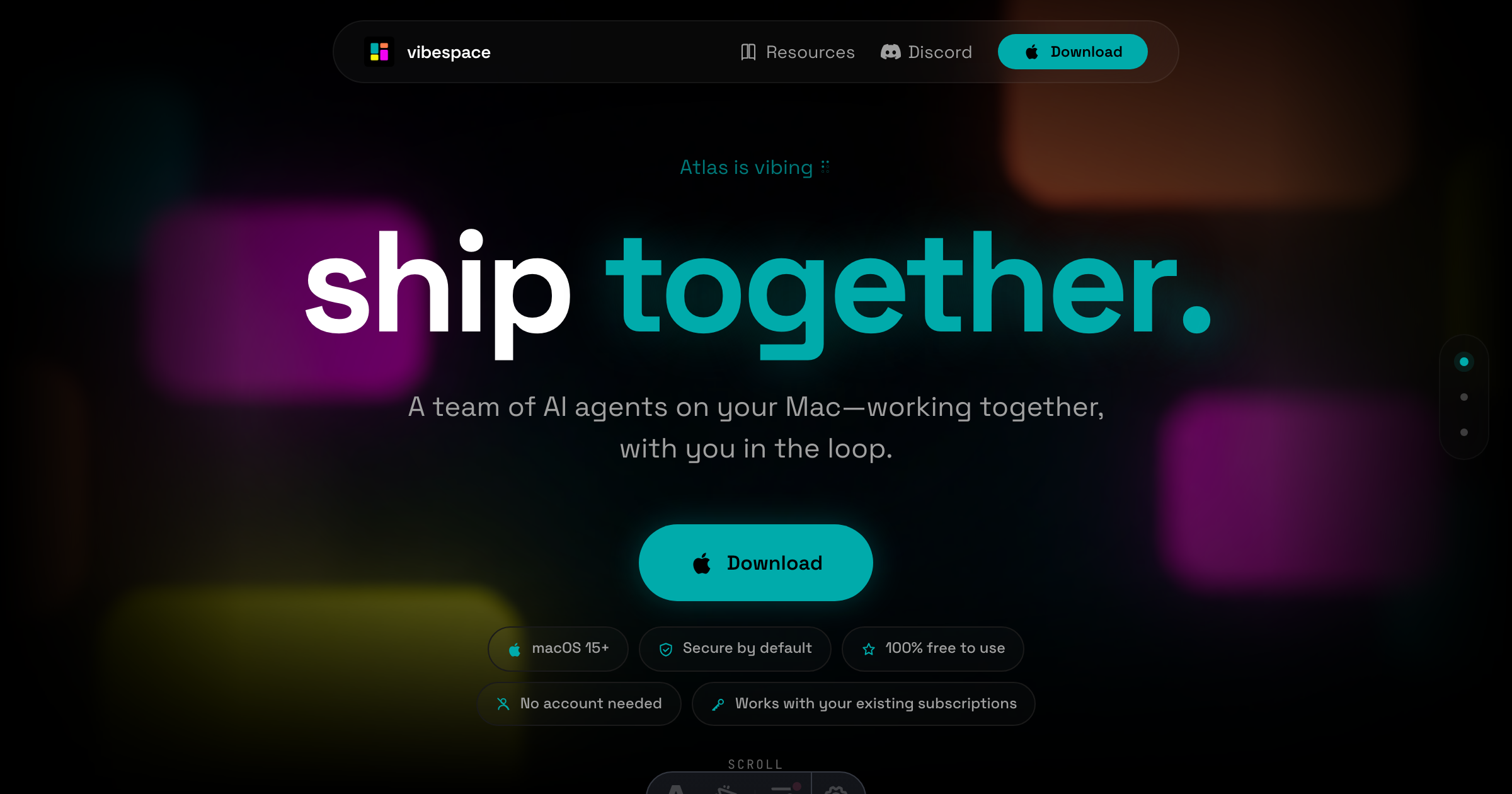
vibespace is built for macOS 15+, and it's unapologetically native. The website's hero copy—"Nova is vibing" and "A team of AI agents on your Mac—working together, with you in the loop"—positions the Mac not as a thin client but as the studio where the work happens. This is a sharp contrast to the prevailing trend of cloud-hosted agent sandboxes. By running locally, vibespace ensures that your code, files, and conversations stay on your machine, which is a powerful privacy story. The tagline "Secure by default" isn't just marketing; it's an architectural claim.
The app's interface borrows from team chat tools: there are Channels, Direct Messages, and a Live Feed. But instead of human colleagues, you have agents. This design choice makes the multi-agent workflow feel familiar—you're not debugging a black box; you're watching a team collaborate. The visual metaphor is strong: agents are teammates you can see, message, and steer.
From Prompt to Team: How vibespace Orchestrates Agents
The core mechanic is simple: "It starts with a prompt. It turns into a team." Your primary agent doesn't just execute a task; it creates a specialized team of sub-agents that work together in real time. This is a shift from single-agent assistants to a multi-agent orchestration layer. The docs mention "Blueprints" that let you choose the style of vibespace you want to start, suggesting pre-configured team structures for different workflows.
vibespace works with your existing Claude Code or Codex subscriptions, meaning it's not a new model provider but an orchestration layer on top of the models you already pay for. This is a pragmatic approach: it leverages the strengths of leading coding agents while adding a collaboration layer. The agents can access the filesystem and terminals, which is powerful but also raises questions about safety—addressed by the Vault.
Live Previews and the Loop: Watching Agents Work
One of vibespace's most distinctive features is the Live Feed and Previews. As agents work, they forward artifacts—brand guides, market briefs, landing pages—as live previews. You don't just get a final report; you see the work in progress. The website shows a screenshot of a "Live Feed" with "No pending approvals," implying a system where agents request human approval for certain actions. This keeps you "in the loop," as the tagline promises.
This transparency is a differentiator. Many agent tools are asynchronous: you submit a job and check back later. vibespace makes the process synchronous and interactive. You can watch agents collaborate, jump into a channel, or send a DM to an agent. It's a more engaging, and arguably more controllable, way to work with AI.
The Vault: Secrets Management Without the Cloud
Security is a major selling point, and the Vault is its centerpiece. The docs describe the Vault as a place to "Handle API keys and secrets without losing control of sensitive access." This is crucial for a local-first tool that connects to external services. Instead of storing keys in a cloud backend, vibespace keeps them on your Mac, giving you granular control. The interface shows a "vault" with a token count (e.g., "4,200 tokens"), suggesting a local token budget for secrets.
This approach addresses a real pain point: many AI tools require you to paste API keys into a web dashboard, which is a security risk. vibespace's local Vault is a more trustworthy model, especially for developers who are sensitive about credential leakage.
Why 'vibespace' Fits: Naming the Collaborative Vibe
The name "vibespace" is unconventional but apt. "Vibe" suggests a relaxed, creative atmosphere—a space where ideas flow. "Space" implies a container, a place where things coexist. Together, they evoke a collaborative environment that's less formal than a "workbench" or "orchestrator." The branding is consistent: the website uses phrases like "Nova is vibing" and "shiptogether," reinforcing the idea of a team that's in sync. The domain, vibespace.build, is memorable and hints at the building/shipping focus. This naming positions the product as approachable and fun, which could appeal to indie hackers and small teams who want a less intimidating AI tool.
However, the name might be too casual for enterprise buyers. "Vibe" can be seen as vague or unprofessional. But for the target audience—Mac users who are comfortable with tools like Claude Code—it's a refreshing change from the typical AI product naming (think "AgentOps" or "Cognos").
The Tradeoff: Local-First Freedom vs. Cloud Convenience
There's an inherent tension in vibespace's approach. Running agents locally means you need a powerful Mac, and you're limited by your hardware. Cloud-based agents can scale to massive tasks, but they require trust in a third party. vibespace makes a clear bet: local-first is better for privacy, control, and cost (it's free, using your existing subscriptions). This is a compelling argument for developers who are tired of per-seat pricing and cloud lock-in.
The downside is that you lose the ability to run agents from anywhere, on any device. vibespace is tied to your Mac. But for many developers, their Mac is their primary machine, so this is a reasonable tradeoff. The website also mentions "No account needed," which lowers the barrier to entry—you download, launch, and start vibing.
Who Should Download vibespace Today
vibespace is ideal for developers and creators who:
- Use a Mac (macOS 15+) as their main machine.
- Already subscribe to Claude Code or Codex and want to orchestrate multiple agents.
- Value privacy and want to keep their code and secrets local.
- Prefer a visual, chat-like interface over a CLI.
- Want to experiment with multi-agent workflows without a steep learning curve.
It's free, so the cost of trying is zero. The main risk is that it's early-stage software—the website is minimal, and the docs are sparse. But the GitHub repo is public, and there's an active Discord, suggesting a community-driven development. If you're curious about the future of AI collaboration, vibespace is a fascinating experiment worth a look.