Impact-Site-Verification: 41b53a0c-6d04-458b-a457-fe9e29acde1a

SaaS & Productivity··5 min read

visualOS

The infinite canvas that stores your work as real files — local-first, offline, no account.

NN

NewName Editorial

Editorial Team

visualOS product image 1
visualOS product image 2

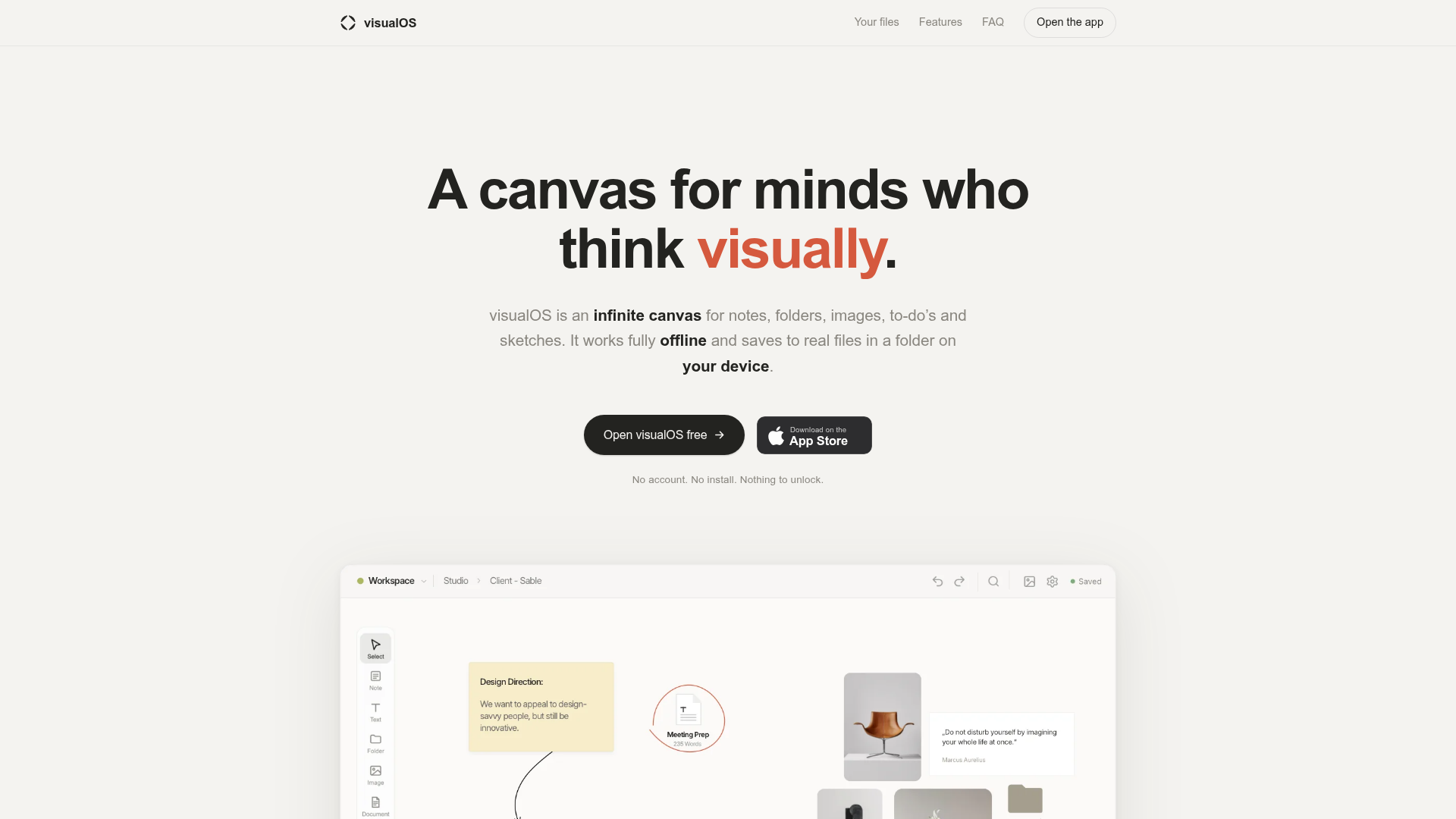
The infinite canvas has a dirty secret: most of them are just front-ends for someone else's server. You arrange sticky notes, drop in images, sketch a wireframe, and the whole time your work is being mirrored to a cloud you don't control. visualOS takes the opposite bet. It's a canvas that refuses the cloud, storing everything as real files in a folder on your own disk. No account, no sync wheel, no login wall. Just a folder you can open with any tool, forever.

The canvas that refuses the cloud

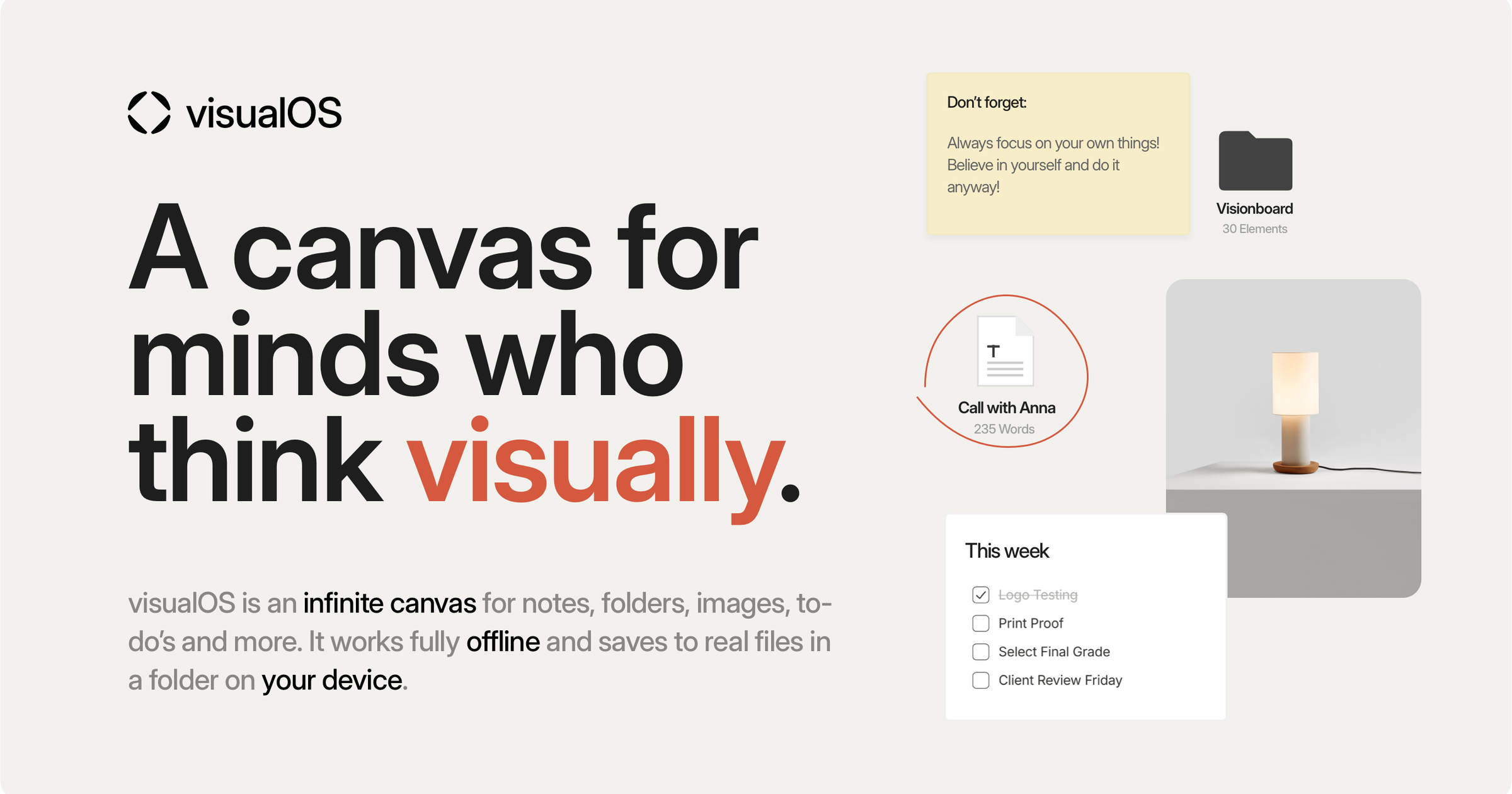
visualOS is built for designers, photographers, and artists who think visually. You get an endless canvas where notes, images, PDFs, documents, to-do lists, and freehand sketches can be arranged freely. Folders nest inside folders, so you can build as deep a structure as you like. It runs in the browser and as a native app for iPhone, iPad, and Mac. But the real story isn't the canvas—it's what's underneath.

Most canvas tools are SaaS by default. You sign up, your data lives on their servers, and you're subject to their uptime, their pricing changes, and their whims. visualOS flips that. Everything happens on your machine. No server ever sees your work. It works fully offline, because there's nothing to reach. The canvas opens instantly because everything is already there.

Your data is a folder you can open

The core promise is radical in its simplicity: connect any folder on your disk, and visualOS mirrors your canvas into it. Every folder on the canvas becomes a real folder. Every document becomes a Markdown file. Every image stays an image. The canvas itself is a board.json file. That's it. No proprietary database, no export step, no lock-in.

This is ownership in the most literal sense. If you point that folder at iCloud or Dropbox, it syncs through your cloud, not visualOS's. If you ever leave, everything stays readable. You can open your notes in any text editor, your images in any viewer, your structure in any file browser. The files are already yours.

The site shows a sample structure: Studio/board.json, contact-sheet.png, notes.md, and a nested Client — Sable/Moodboard folder with a .versions directory for automatic history. It's a glimpse of how the product thinks about data: as something you can see and touch, not a black box.

Offline isn't a feature, it's the architecture

visualOS's marketing makes a pointed comparison. Airplane mode at 10,000 meters: works. Dead zone in a basement studio: works. Server outage: somebody else's problem now. Because there is no server, offline isn't a mode you toggle—it's the default state. There's no spinner, no sync wheel, no login wall. This is a quiet rebellion against the collaborative-cloud orthodoxy that assumes you always have a connection.

For a photographer on location or a designer in a client's office with sketchy Wi-Fi, this is a genuine advantage. The canvas is always there, always instant. And when you do have a connection, your folder syncs through your own cloud service, so you're not dependent on visualOS's infrastructure staying up.

The versioning safety net you didn't know you needed

One of the most interesting features is the automatic version history. visualOS quietly keeps rolling versions of your work, right in your folder, in a .versions directory. You can restore any earlier state with one click. The current state is backed up first, so you can't break anything. The site shows examples: "Before layout pass," "Before merge from iPad," "End of session." This is a local, file-based versioning system that doesn't require a server or a git client.

It's a safety net that addresses a real fear: what if I mess up my canvas? With visualOS, you can always go back. And because it's stored as files, you could even use your own backup tools on top of it.

Free in the browser, one-time purchase on mobile: the anti-subscription stance

The business model is as contrarian as the architecture. The full app is free in the browser—no account, no sign-up, no note or folder limit. There's no server to pay for, so there's nothing to cap. The native app for iPhone, iPad, and Mac is an optional one-time purchase: €14.99/$12.99 at launch (regular €19.99/$19.99), no subscription, one purchase across all three devices.

This is a deliberate rejection of the subscription treadmill that dominates creative software. The pitch is simple: you own your data, you pay once for the convenience of native apps, and you're never held hostage by a recurring fee. It's a refreshing stance in a category where monthly charges are the norm.

Milanote, Miro, Freeform: how visualOS positions itself

visualOS's website includes comparison pages against the big names: Milanote, Miro, and Apple's Freeform. These are the default choices for visual thinking, and visualOS is positioning itself as the local-first alternative. The comparisons likely highlight the same themes: no account, real files, offline, one-time purchase. It's a smart way to carve out a niche in a crowded market.

The positioning is clear: if you're tired of cloud-dependent canvases that hold your data hostage, visualOS offers a different way. It's not trying to be the most feature-rich tool; it's trying to be the most trustworthy one.

The name and the bet: visualOS vs. the world

The name "visualOS" is a bold claim. It suggests an operating system for visual thinking, not just another canvas app. The "OS" suffix implies something foundational, something you build your workflow around. It's a name that promises a complete environment, not a single tool. The domain, visualos.app, is clean and memorable, though the .app TLD is a modern choice that signals a web-based product.

The bet is that a local-first, file-based canvas can compete with cloud giants by offering something they can't: true ownership and offline reliability. It's a bet on a segment of users who care deeply about their data and are willing to trade some collaboration features for control. Whether that bet pays off depends on whether enough people share that concern. But for now, visualOS stands as a principled alternative in a category that often forgets the user's data isn't the product.

visualOS is free to use in the browser, with a one-time purchase for the native app. It's a product worth watching for anyone who believes their work should live on their own hard drive.