PasteScreenshot
Paste screenshot online, store locally, and organize
What it does
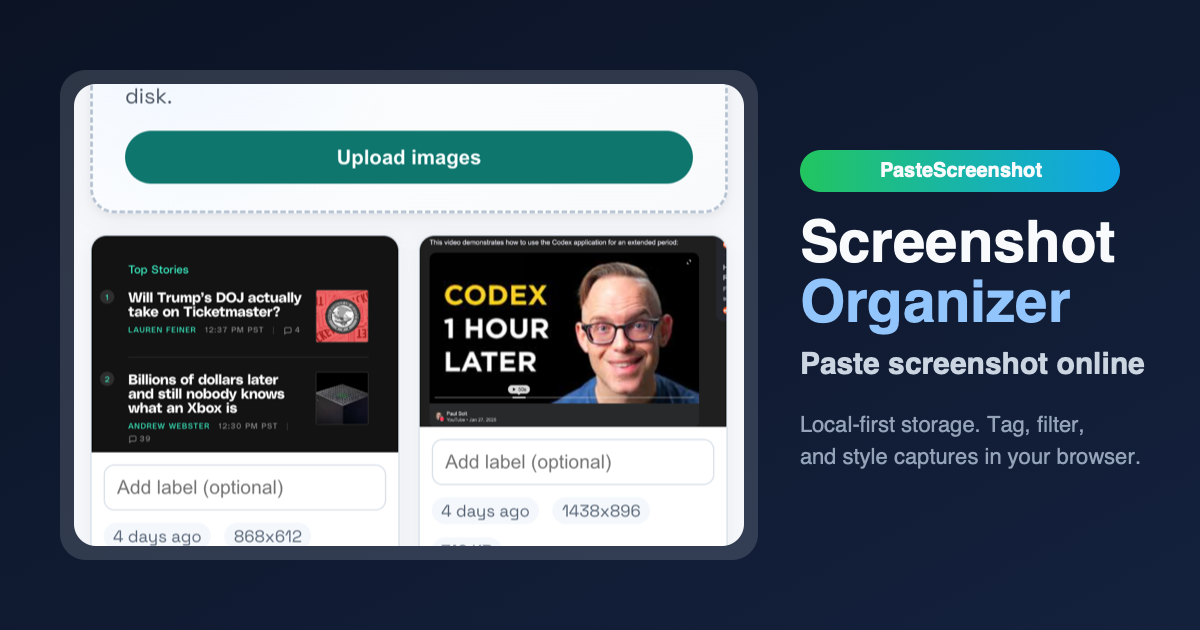
PasteScreenshot is a local-first screenshot organizer that runs entirely in your browser. You can paste screenshots from your clipboard using Cmd/Ctrl + V, drag and drop image files, or upload from disk. Once captured, you can view, select, download, or delete screenshots. All data is stored locally in your browser's IndexedDB, so no account or server uploads are required.
Who it is for
This tool is designed for developers and designers who frequently capture UI bugs or mockups, researchers collecting visual references, and anyone tired of a cluttered Downloads folder full of screenshots. It's ideal for users who want a private, no-account workspace for managing screenshots.
Why it matters
PasteScreenshot addresses privacy and organization concerns. By storing data locally, it eliminates the need to upload screenshots to a server, reducing privacy risks. It also provides a dedicated space to organize captures, preventing the common problem of scattered screenshot files on the desktop or in downloads.
Launch signal
PasteScreenshot is listed on Uneed Best as a free design product, tagged with Design System and Development. It has received 86 upvotes on the platform, indicating early interest from the design and developer community.
Brand and naming
The name "PasteScreenshot" is straightforward and descriptive, clearly communicating the core action (paste) and the object (screenshot). The tagline "Paste screenshot online, store locally, and organize" reinforces the key value propositions. The brand positions itself as a privacy-focused, local-first alternative to cloud-based screenshot tools.
Related
Get more like this in our weekly newsletter.