ekto
Live captions and translation for long meetings, lectures, and real-life conversations in 37+ languages.
NewName Editorial
Editorial Team
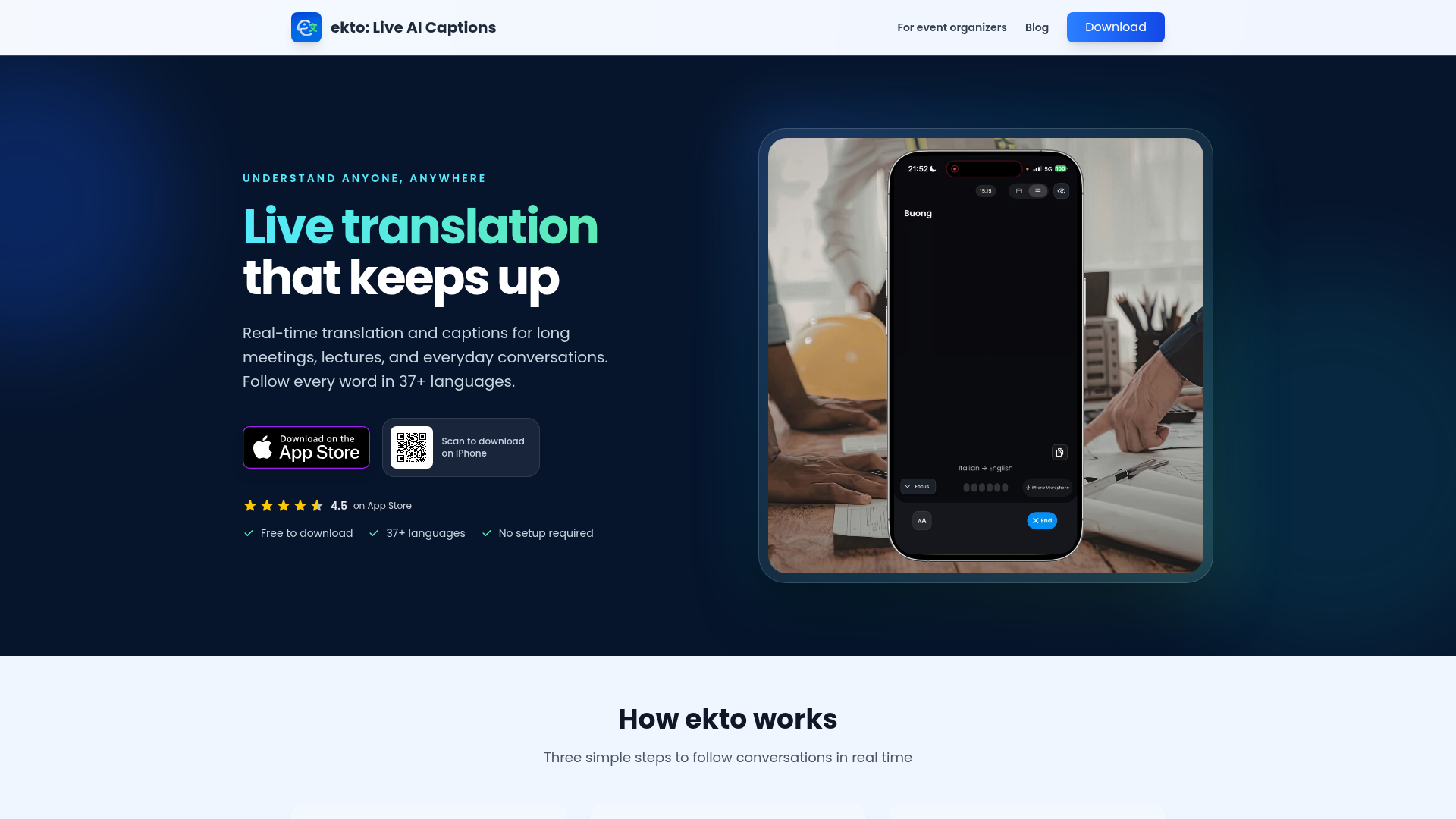
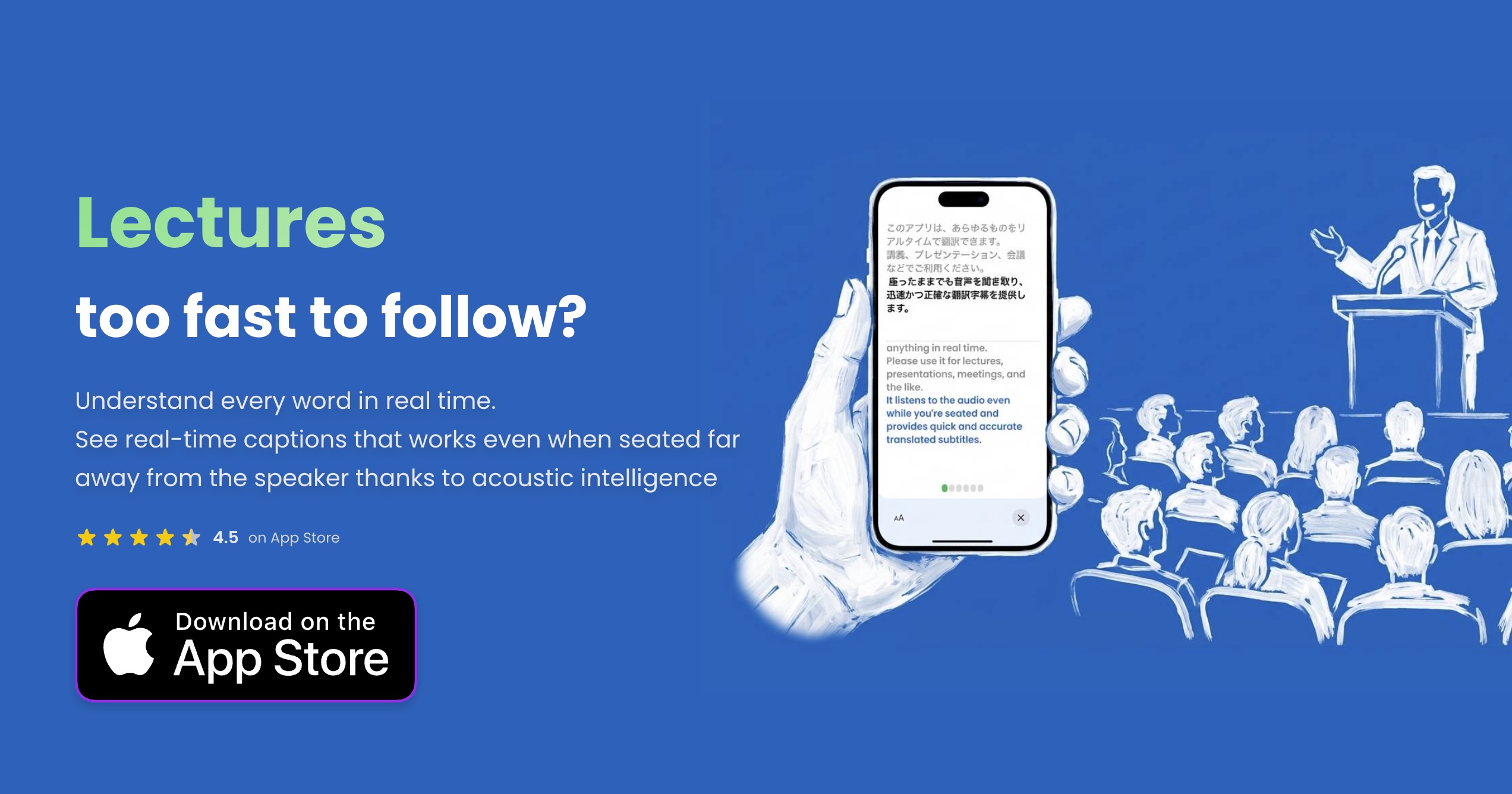
The first time you sit in a lecture where the professor speaks a language you barely know, the gap between understanding and guessing feels enormous. You could record the audio, run it through a translator later, and hope the transcript makes sense. But by then, the moment has passed. ekto, a live AI captioning and translation app for iOS, is built for that exact gap — the one between speech and comprehension in real time.
Most translation tools are designed for quick exchanges: a phrase here, a question there. ekto is designed for the opposite. It is built for continuous, hands-free listening — the kind that lasts two hours, spans multiple speakers, and happens in rooms where you cannot ask someone to slow down. The app's tagline — "Live translation that keeps up" — is not just marketing. It is a promise about endurance: that the app will still be reading the room long after your attention or patience would have given out.
The pocket interpreter for moments that last hours
Open ekto, and you are not launching a conversation mode or a phrasebook. You are starting a session that can run up to two hours, with unlimited usage on a subscription. The app listens to the room and turns spoken audio into captions and translations as they happen. It supports 37+ languages with automatic detection, and it does not require you to tap back and forth between speakers. You tap once, and it keeps up.
That continuous-listening design is what separates ekto from the default tools on your phone. Google Translate's conversation mode is built for two-way exchange: it reads translations aloud with text-to-speech, which works well for short back-and-forth chats. ekto is different. It is built for the long haul — multi-hour lectures, conference panels, sermons, and appointments where the conversation does not pause for you to catch up.
The app also includes features that matter in real-world rooms. Picture-in-picture mode keeps captions visible in a floating window while you take notes or move around. Speaker identification (in beta) helps you track who said what in meetings. And when you need to respond without speaking, Big Reply lets you show text on screen — a small feature that has outsized value for deaf and hard-of-hearing users.
Where Google Translate stops and ekto begins
The most telling part of ekto's website is its FAQ, where it directly addresses the comparison with Google Translate. The answer is not dismissive; it is precise. Google Translate's conversation mode is for short, two-way language exchange with text-to-speech. ekto is for continuous, hands-free listening. It captures speech from across the room, shows live captions, saves transcripts, and generates AI summaries of what was said.
That distinction is not just a feature list. It is a positioning statement. ekto is not trying to be a better phrasebook. It is trying to be a better pair of ears. The use cases on its site — lectures, conferences, sermons, doctor's appointments — are all situations where the speaker does not stop, the vocabulary is not predictable, and the cost of missing a word is high.
This focus on endurance and accuracy in far-field conditions is what makes ekto feel like a different category of tool. It is not a translator you hold up to a menu; it is a translator you leave running in your pocket while you take notes, nod, and stay present.
One app, four very different rooms
What is striking about ekto is how deliberately it segments its audience. The website does not just say "translate speech." It walks through specific scenarios, each with its own needs:
- Lectures and seminars: Follow fast-talking lecturers word for word, even from the back row. Save transcripts to review before exams.
- Conferences and events: Understand talks, panels, and networking conversations without an interpreter.
- Deaf and hard-of-hearing users: Read what is being said in real time, and reply with Big Reply when showing is easier than speaking.
- Church sermons: Follow services in your own language, with Live Link letting the whole congregation read along on their own phones.
These are not interchangeable use cases. A student needs transcripts for review; a conference attendee needs to network without missing context; a deaf user needs a way to respond, not just listen; a congregation needs a shared experience. ekto's feature set — transcripts, Big Reply, Live Link, speaker ID — maps to these distinct needs. That is a sign of a product that has thought about the rooms it enters, not just the languages it covers.
The economics of understanding: pricing a live translator
ekto is free to download, but the real product is a subscription. The pricing is straightforward: $14.99 per week, $29.99 per month, or $59.99 per quarter, with each live session supporting up to 2 hours. There is no free tier with limited minutes; the free version is a trial, and the subscription unlocks unlimited usage.
That pricing model makes sense for a tool that is used in bursts — a semester of lectures, a week of conferences, a season of sermons. The weekly option is a low-commitment way to test it during a single event. The quarterly option is the best value for someone who knows they will need it for a few months. What is missing is an annual plan, which would be a natural fit for students who need it for a full academic year.
The 2-hour session limit is a practical constraint. Most lectures and conference sessions fit within that window, and the limit prevents the app from being used as a free recording service. But it also means that a full-day conference would require multiple sessions, which could be a friction point for power users.
What ekto does not claim to be
For all its ambition, ekto is careful about its limits. It does not work offline — it needs an internet connection to deliver accurate live captions. It requires microphone access. And it explicitly states that no audio is stored and nothing is used for AI training, which is a reassuring privacy stance in an era of always-listening apps.
The app also does not claim to replace human interpreters. It is a tool for understanding, not for diplomacy. The website's language is pragmatic: "Don't nod along and hope you understood. Read every detail at appointments, help desks, and tours where mishearing is not an option." That is a promise of clarity, not of perfection.
The name "ekto" itself is a small branding choice worth noting. It is short, phonetic, and does not describe the product literally. It feels more like a brand for a device than for an app — which is fitting, because ekto is trying to be the device you carry into any room where language is a barrier. The domain, voicetranslate.app, is more descriptive, but the app name is what sticks.
For anyone who has ever sat in a foreign-language lecture, fumbled through a conference small talk, or wished they could follow a sermon without straining, ekto is a product that understands the problem. It is not a revolution; it is a reliable pair of ears. And sometimes that is exactly what you need.